

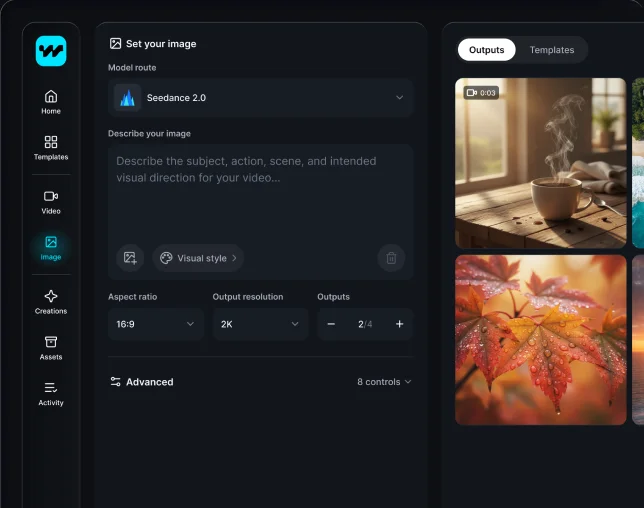
Create images from a brief or a reference
Generate a new visual, explore variations, or guide the result with an existing image.
Input description
An editorial portrait of a cybernetic astronaut in dark reflective chrome armor, neon amber visor glare, moody key light, cinematic concept art style
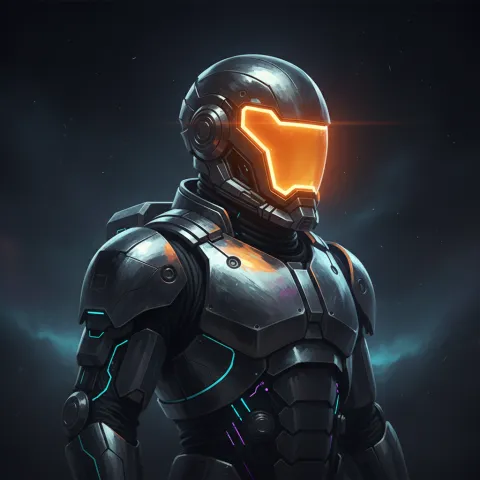 Output Image
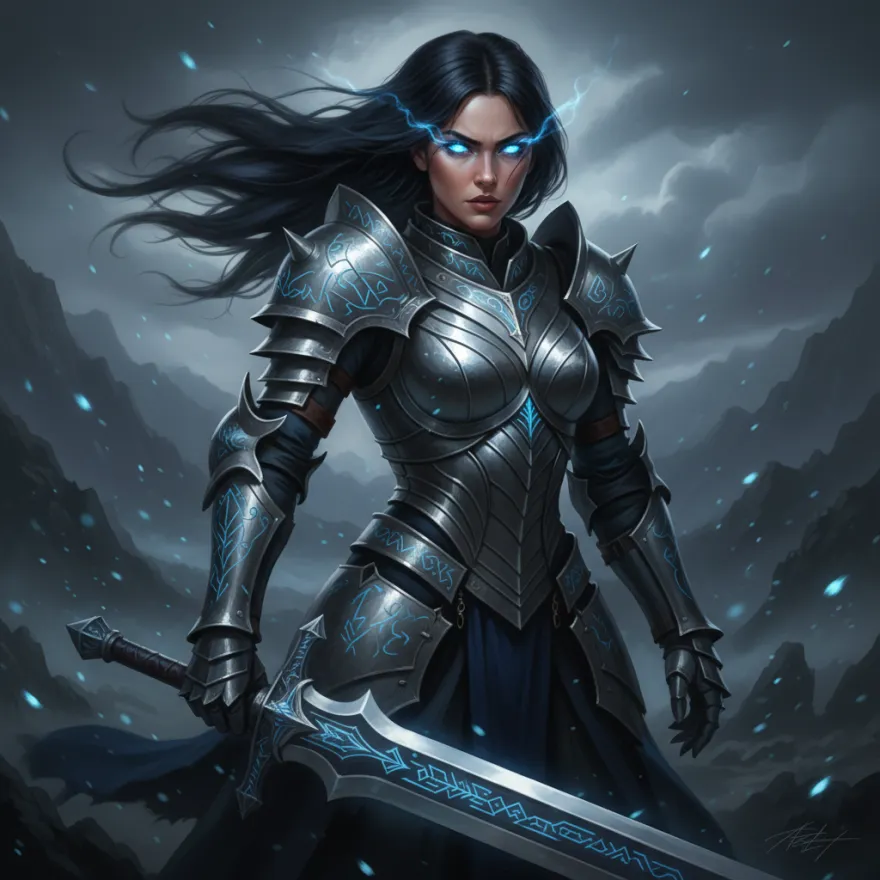
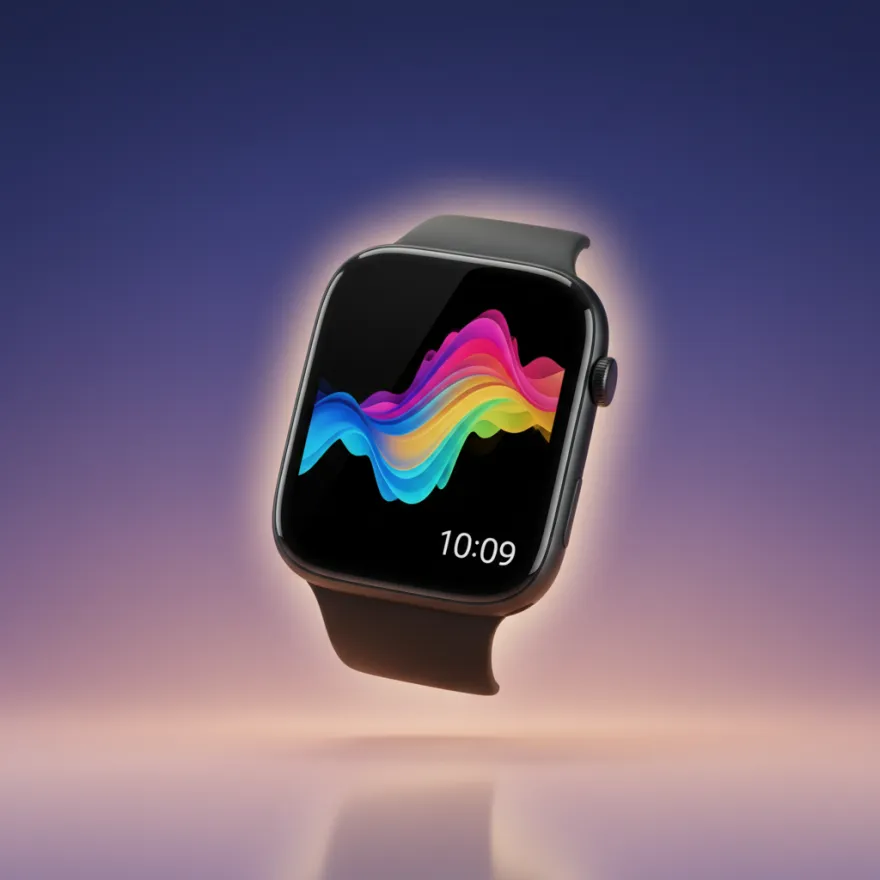
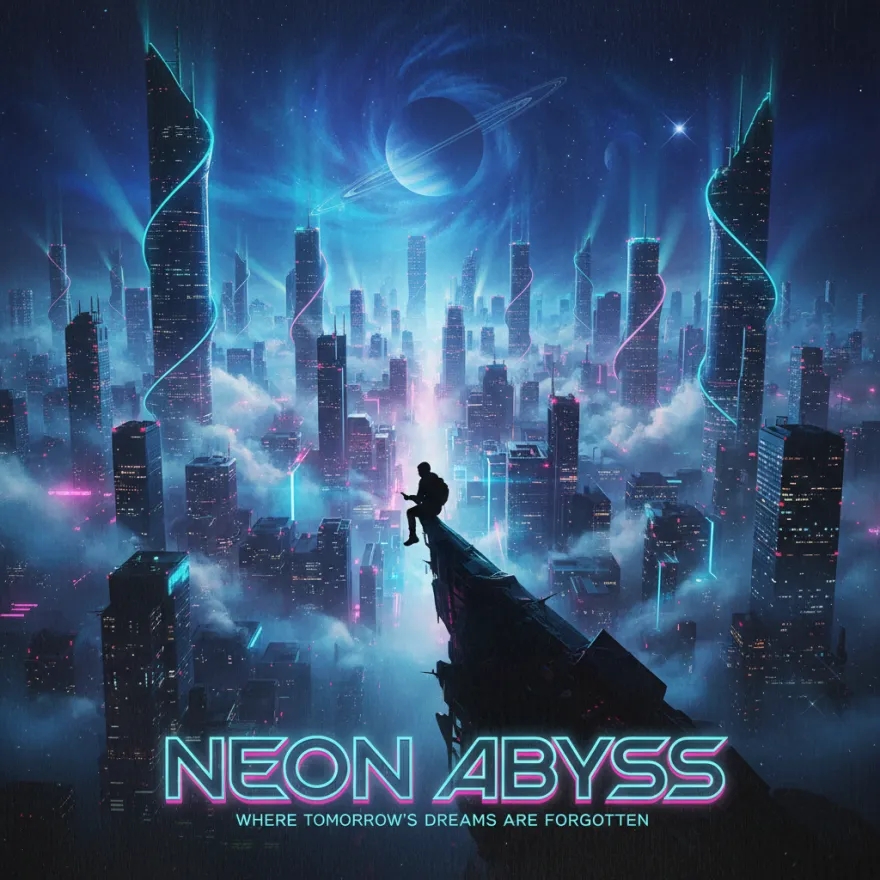
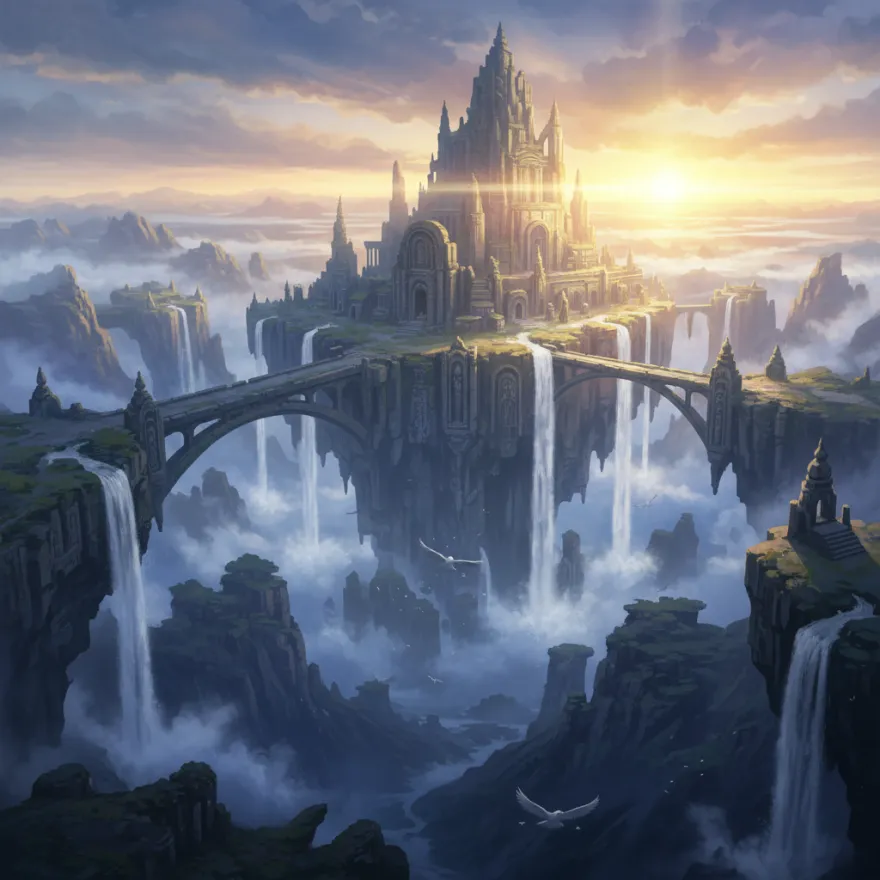
From product visuals to original characters
Explore a visual direction, then inspect its variations.
TWO WAYS TO START AN IMAGE
Auto is the default routing mechanism across these paths.

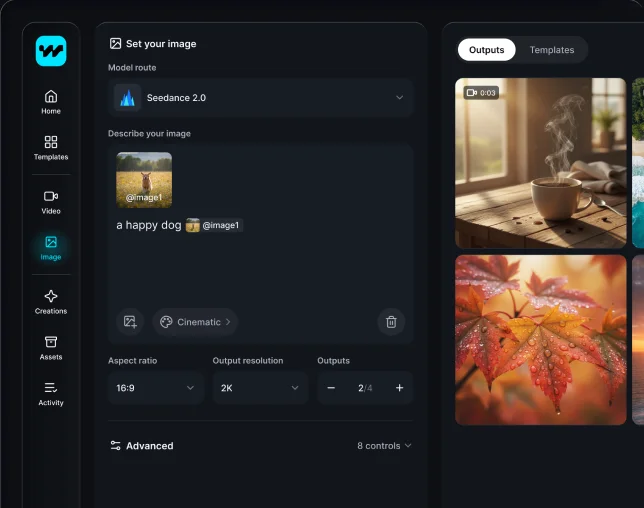
Guide style, format, and reference use
Controls:
 Ratio
- Style
- Reference
- Variation
- Model
Limits:
 Exact Text
- Identity
- Trademarks
- Complex layouts may vary
Start with a reusable image format
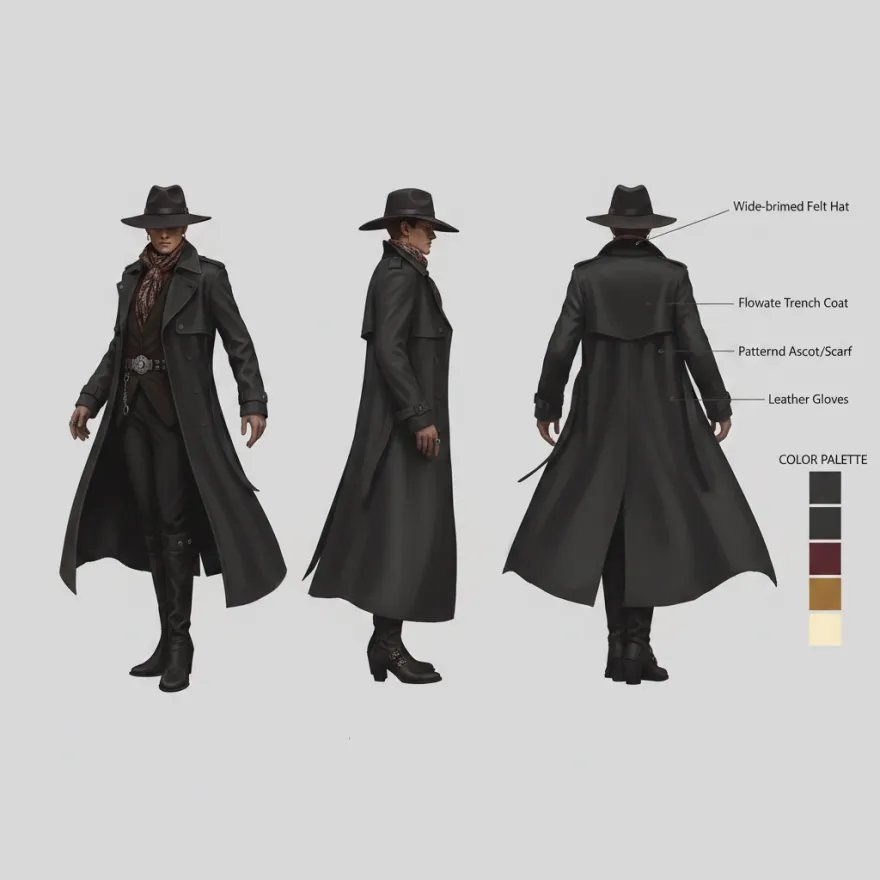
UGC Product Ad
 Review The Quote In Studio Before Generation.
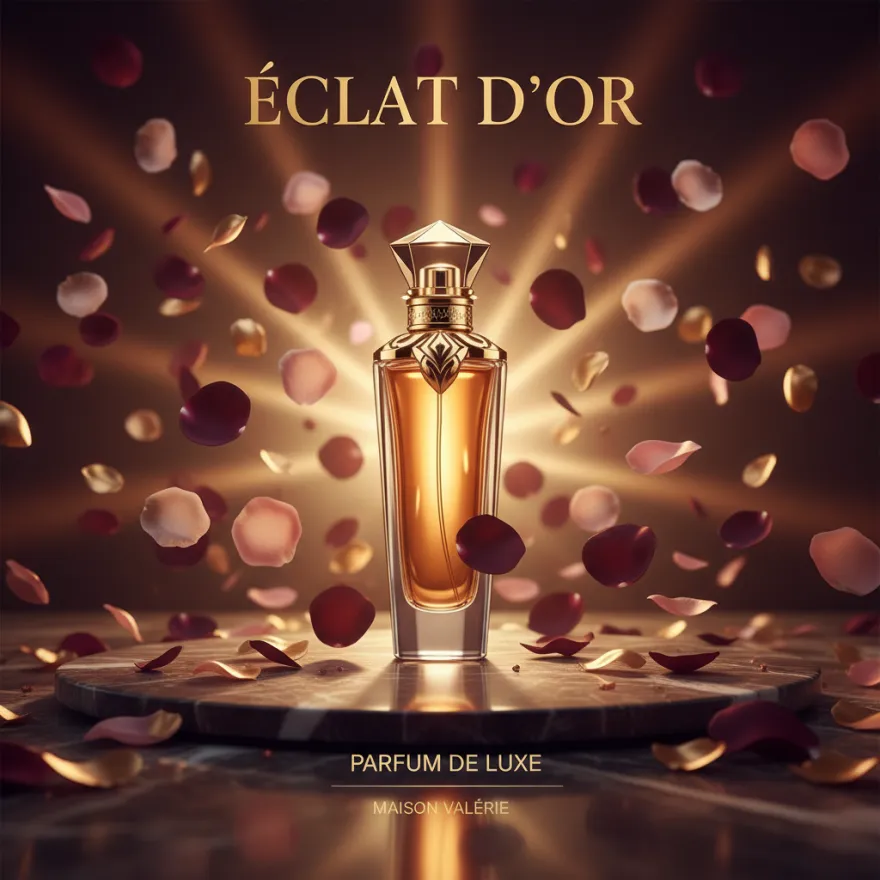
Product Lifestyle Image
Review The Quote In Studio Before Generation.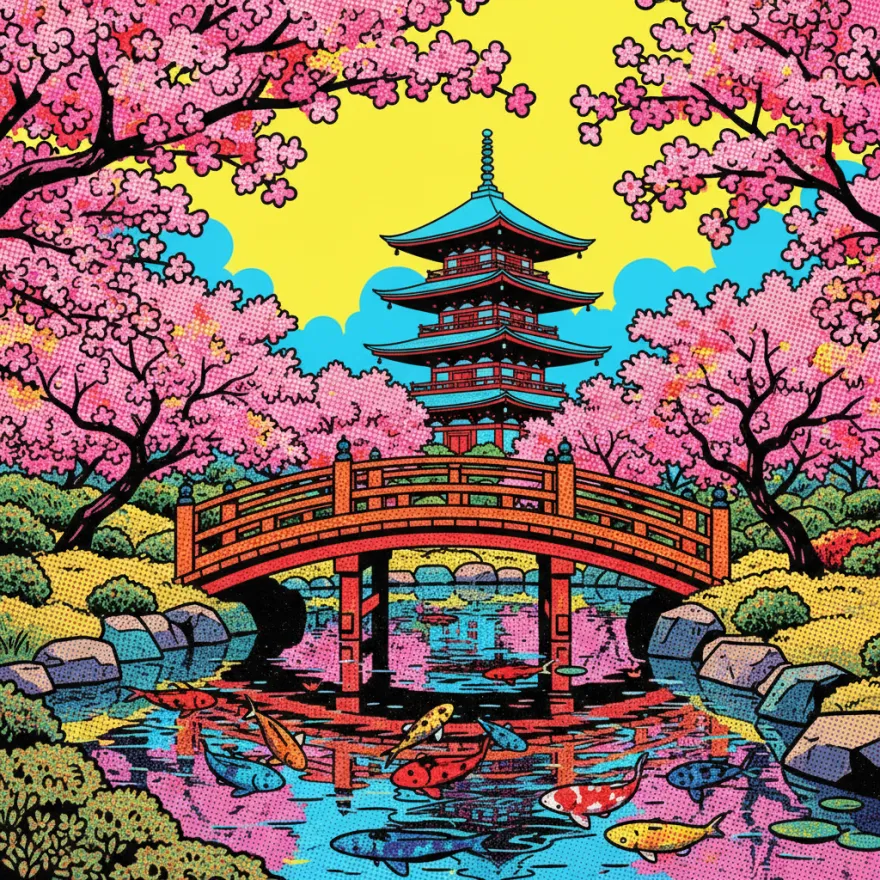
Character Dance Remix
Review The Quote In Studio Before Generation.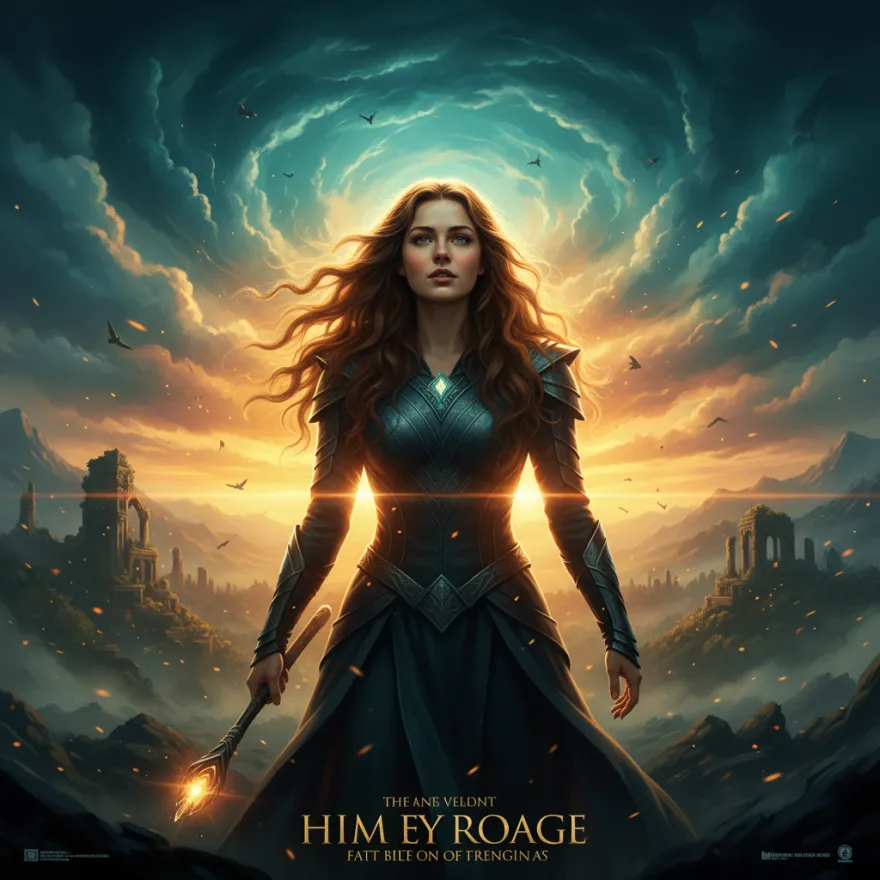
Selfie-to-Anime Character
Review The Quote In Studio Before Generation.Auto considers the brief, references, format, cost, and availability
Manual model selection remains available in Studio.
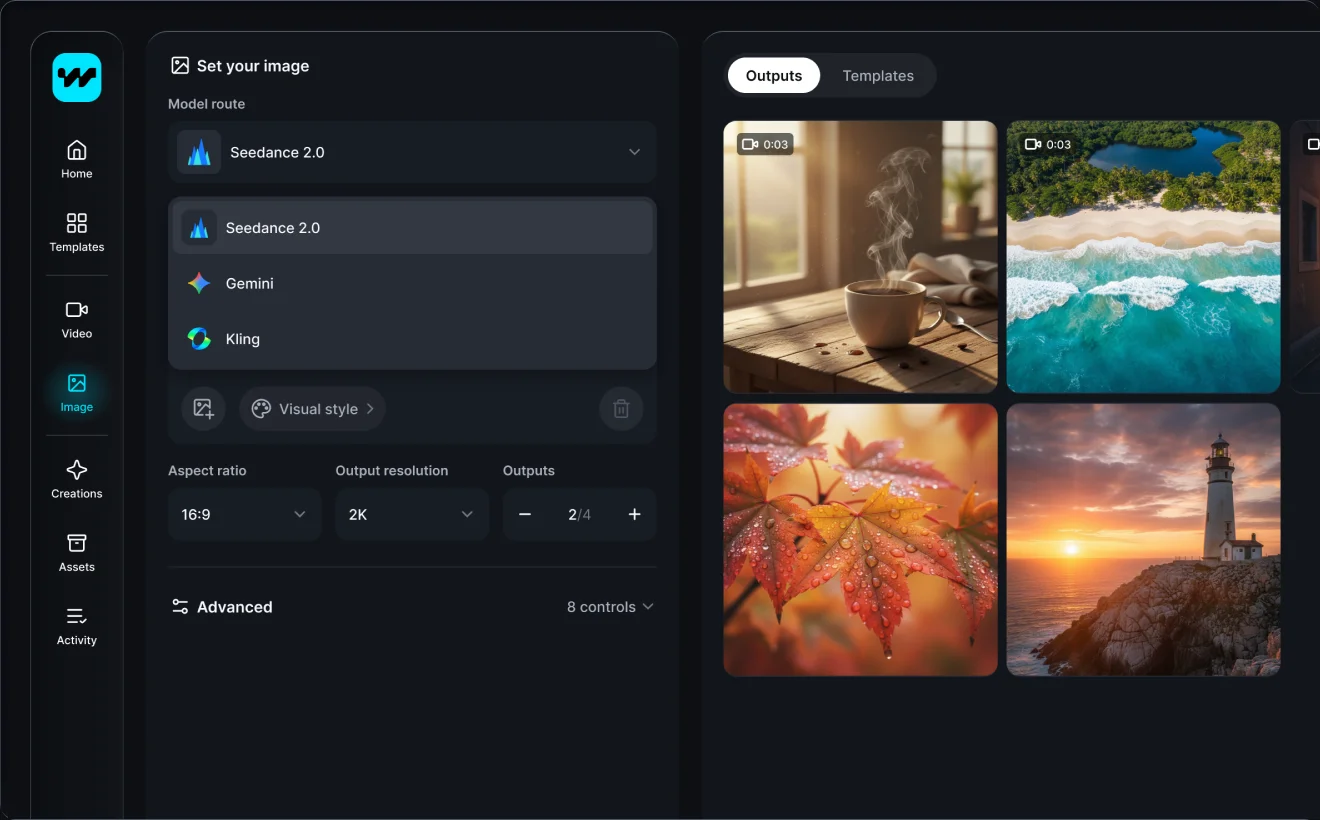
Image cost varies by model, size, and output count
Review the final quote in Studio before generation.
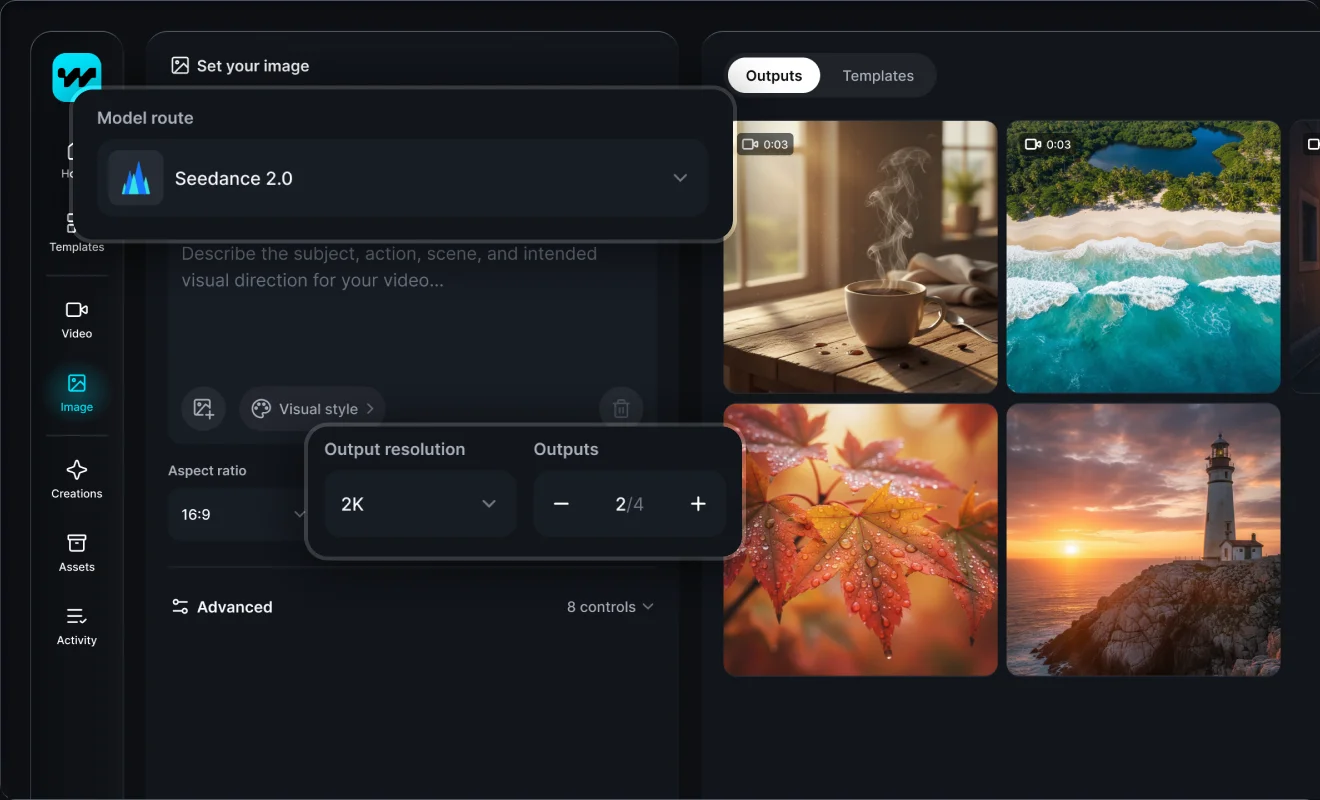
DESIGN FOR TRADITIONAL AND GENERATIVE MEDIUMS ALIKE
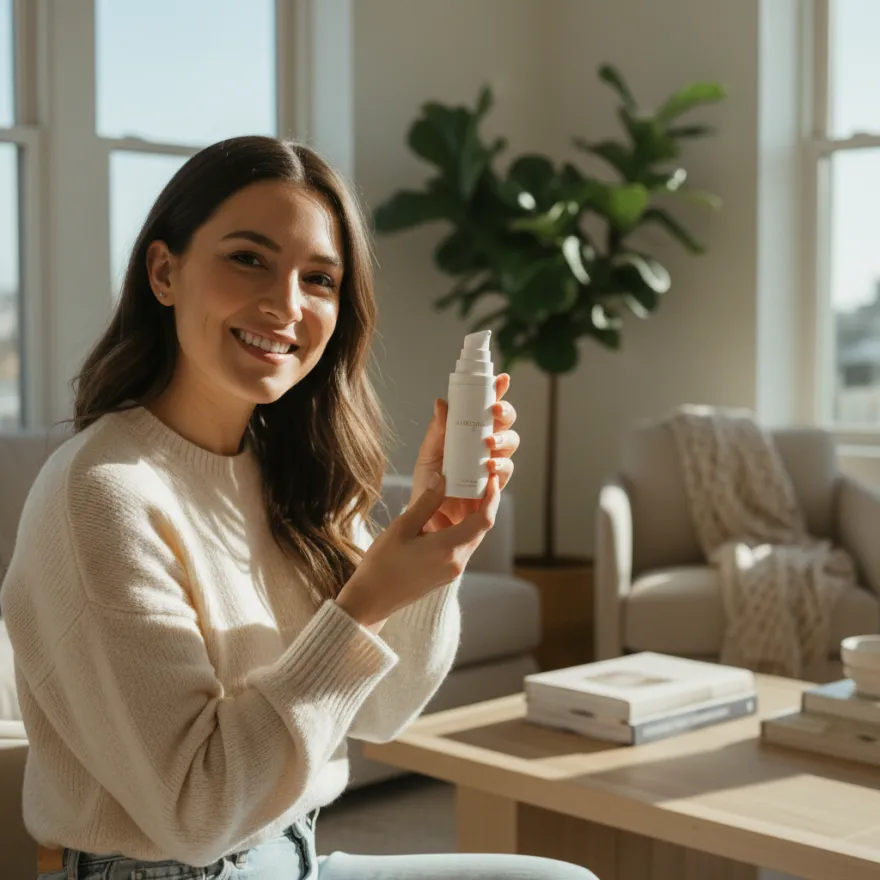
UGC Product Ad
Review The Quote In Studio Before Generation.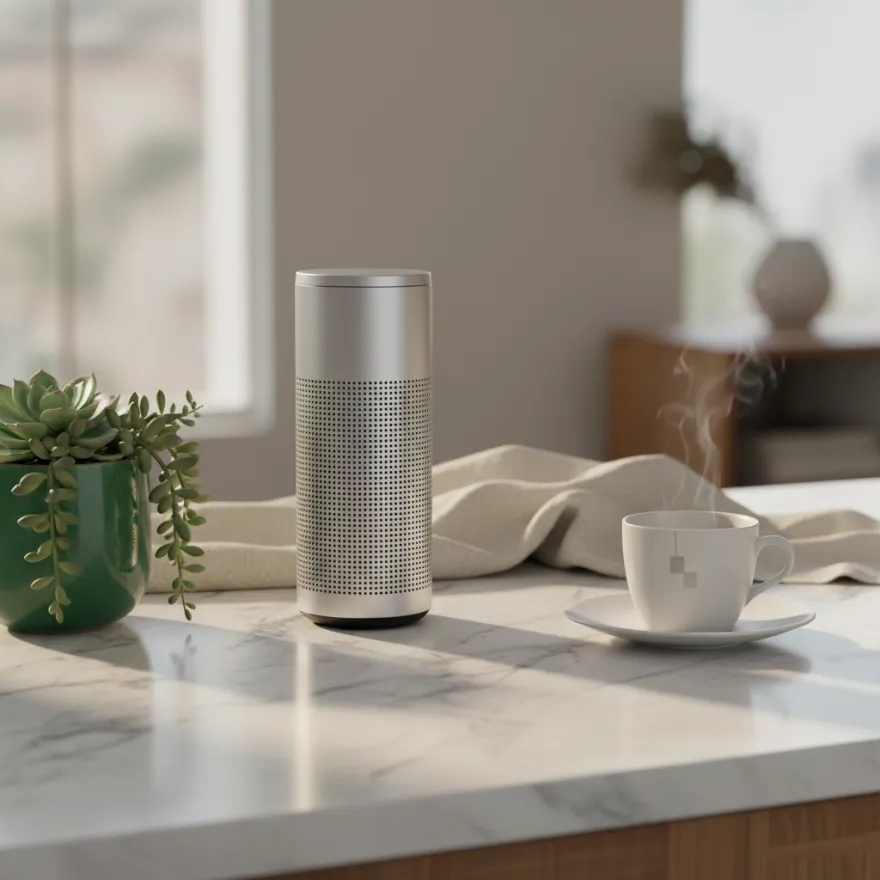
Product Lifestyle Image
Review The Quote In Studio Before Generation.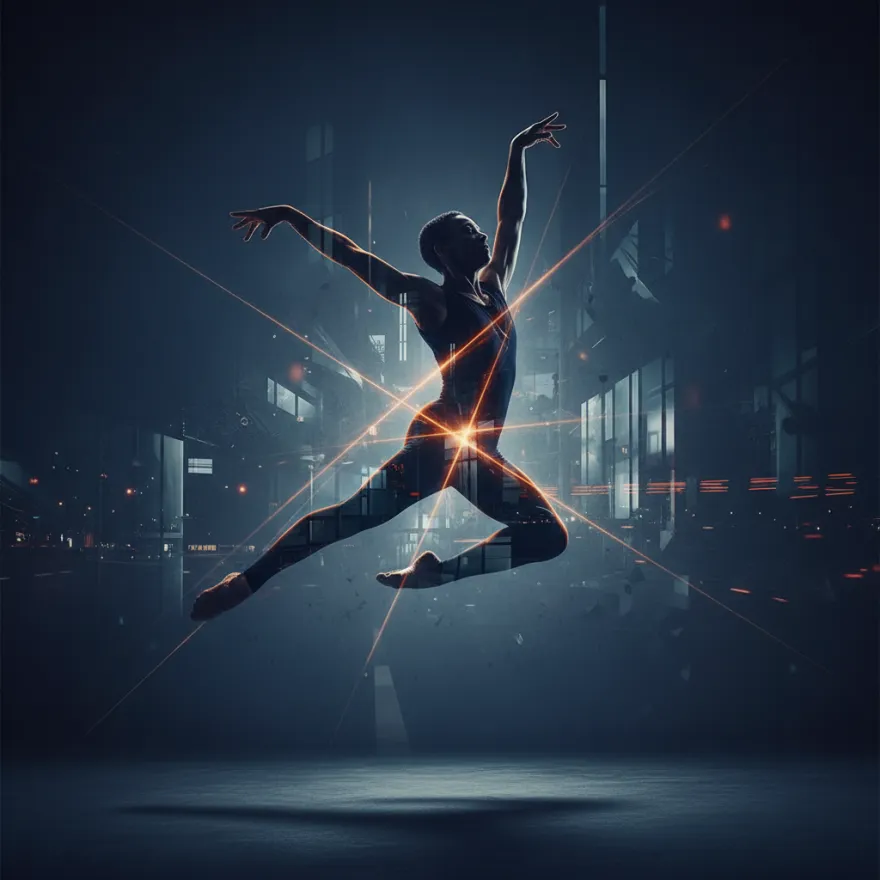
Character Dance Remix
Review The Quote In Studio Before Generation.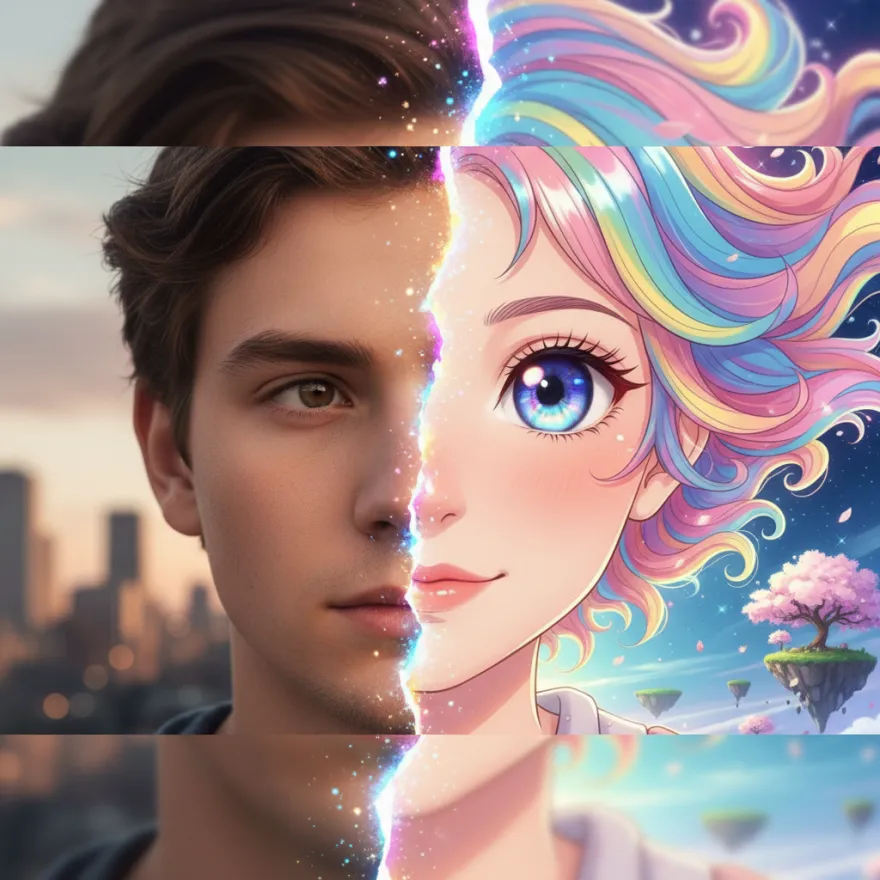
Selfie-to-Anime Character
Review The Quote In Studio Before Generation.Reference support and the number of images vary by route. Studio shows the supported inputs for the selected model.
Auto is the default. You can select an available model manually in Studio.
References and Templates guide the intended direction. Identity, text, and layout are not guaranteed.
Image cost varies by model, size, and output count. Review the final quote in Studio before generation.