

SEEDANCE 2.0 IN TAKEWEAVE
Create focused short-form video from a clear prompt and reference media, with a workflow designed for character motion, product reveals, and Template Remix.
 VIDEO MODEL

Check current availability in Studio
START FROM ONE CLEAR SUBJECT AND ONE CLEAR ACTION.
Give the route a strong visual reference, a focused movement, and a concise scene brief, then review the resulting motion in Studio.
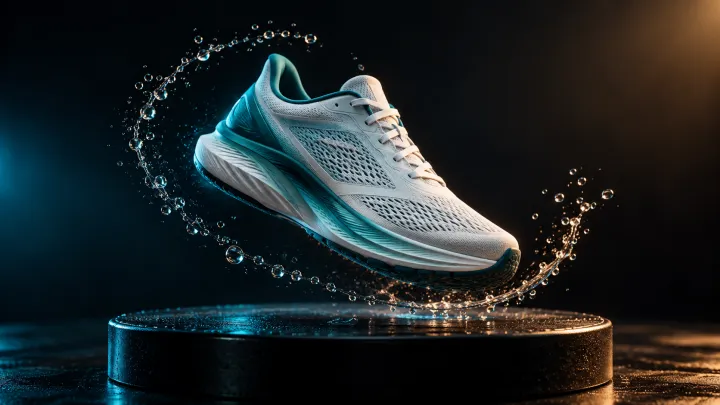
Example Input
- Subject or product reference
- Focused scene brief
Motion direction
- One primary action
- Simple camera direction
Output Delivery
- Review motion and identity
- Download an approved Take
WHEN SEEDANCE 2.0 FITS THE BRIEF
Use it for direct, readable short-form motion where the subject and action are already clear.
Best for
 Character motion studies
Turn a character reference into a focused performance, entrance, gesture, or reaction.
- Product reveals
Add controlled movement, framing, and atmosphere around a recognizable product reference.
- Template Remix
Replace exposed subjects or products while preserving the Template's locked pacing and output structure.
AVOID WHEN
 Crowded multi-character scenes
Use a simpler cast or split the scene when several subjects need independent actions.
- Exact text and logo reproduction
Treat generated typography and small packaging details as review points.
- Long-form continuity
Create focused shots and review continuity before assembling a longer sequence.
Compare results for your own task; this is not a permanent leaderboard.
INPUTS, CONTROLS, AND ROUTING
Keep the brief focused and confirm which reference inputs the active Studio route supports.
Supported Inputs
Supported Outputs
Eligible Controls
Availability Regions
The active route, supported references, and output options are confirmed in Studio.
COSTS, RIGHTS, AND REVIEW BOUNDARIES
Review the Quote, input rights, and generated details before using the result.
Orchestrator Cost Rate
Credits depend on the selected route and output settings.
Commercial Use & IP Rights
Only upload reference media you are permitted to use and transform.
Hard Generation Limits
Review identity, hands, logos, text, object consistency, and motion continuity.
A final, precise Credit quote always appears in Studio before triggering generations.
USE SEEDANCE 2.0 IN YOUR TAKEWEAVE WORKFLOW
Choose between automated routing and manual model selection inside TakeWeave.

START WITH AUTO ROUTING
Describe the intended result and add a clear reference. Review the route selected by Auto before confirming.

SELECT SEEDANCE 2.0 DIRECTLY
Choose Seedance 2.0 in Video Studio when available, add the supported input, and keep the motion brief focused.
The workspace model selector and real-time quote preview confirm your final active route before generation.
SUPPORT & RELATED SYSTEMS
Got questions? Browse common scenarios or explore adjacent models.
Focused short-form character motion, product reveals, social concepts, and reference-led Template Remix.
Choose the reference type exposed by the active route. Use a clean image for subject identity and a motion reference when movement is the primary requirement.
Template-locked ratio, duration, shot order, pacing, and camera language remain fixed. Only exposed fields can be changed.
Studio displays the final Credits Quote before you confirm generation.