










SUPPORTED AI MODELS
IN TAKEWEAVE
Choose a model by the work you need to complete, not by a permanent leaderboard. Compare inputs, controls, review points, and current route availability before generating.
CHOOSE BY TASK AND INPUT
| Model | Media | Inputs | Outputs | Status | Information updated |
|---|---|---|---|---|---|
 Seedance 2.5 | Video | Text + Image | Video Take | Available | Sep 2026 |
| Seedance 2.0 | Video | Text + Image | Short video / Template variation | Available | Sep 2026 |
 Kling 3.0 | Video | Text + Image | Video / Image-to-video result | Available | Sep 2026 |
 Veo 3.1 | Video | Text + Image | Video Take | Available | Sep 2026 |
 GPT Image 2.5 | Image | Text + Image | Generated / Edited images / Variations | Available | Sep 2026 |
| GPT Image 2 | Image | Text + Image | Generated / Edited images | Available | Sep 2026 |
| Nano Banana 2 | Image | Text + Image | Generated images / Reference variations / Edits | Available | Sep 2026 |
CHOOSE BY TASK—NOT ONLY BY MODEL NAME
Choose by task and current evidence, not by model name alone.
Product fidelity
Complex motion
Fast iteration
Premium quality
Cost-sensitive creation
Auto by default. manual when you want
You can still choose a model manually in Studio.
 Task

 Input
 Format
 Quality
 Cost
 Availability

 Suitable model route
Auto is the default, not a lock-in
Open the model selector in Studio when you need direct control.
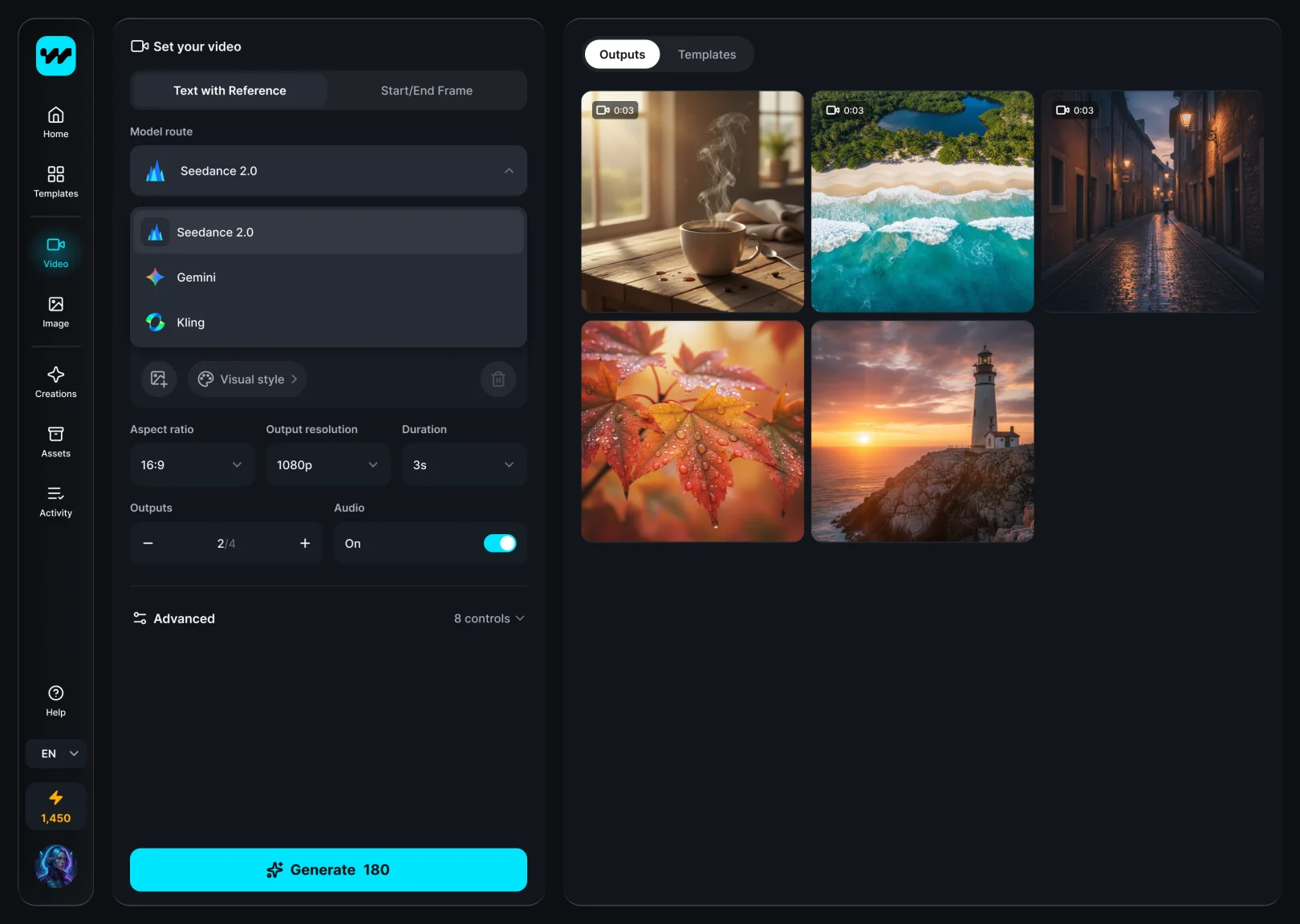
Model availability, specs, and credit cost can change
The current quote is always shown in Studio before generation.
Live Quote
Every generation shows the exact credit cost before you commit. Pricing reflects the model, resolution, and duration.
Availability Windows
Provider capacity varies. A model may be temporarily unavailable during peak demand or maintenance. Auto reroutes automatically.
NEED A DEEPER COMPARISON?
Compare models for character video Compare image-to-video modelsBrowse all model comparisonsBrowse related Templates
For help comparing models, visit the Help Center for guidance on inputs, controls, and review requirements.
Use task mapping or Auto. Consider your subject, source inputs, intended format, quality, and cost.
Routing can change with the task, input, format, quality, cost, or provider availability.
Open the model selector in Studio when you need direct control. Manual selection depends on route support.
Provider capacity varies. A model may be temporarily unavailable during peak demand or maintenance.
Use task mapping or Auto. Routing can change with the task, input, format, quality, cost, or provider availability.