





AI video templates built around the result
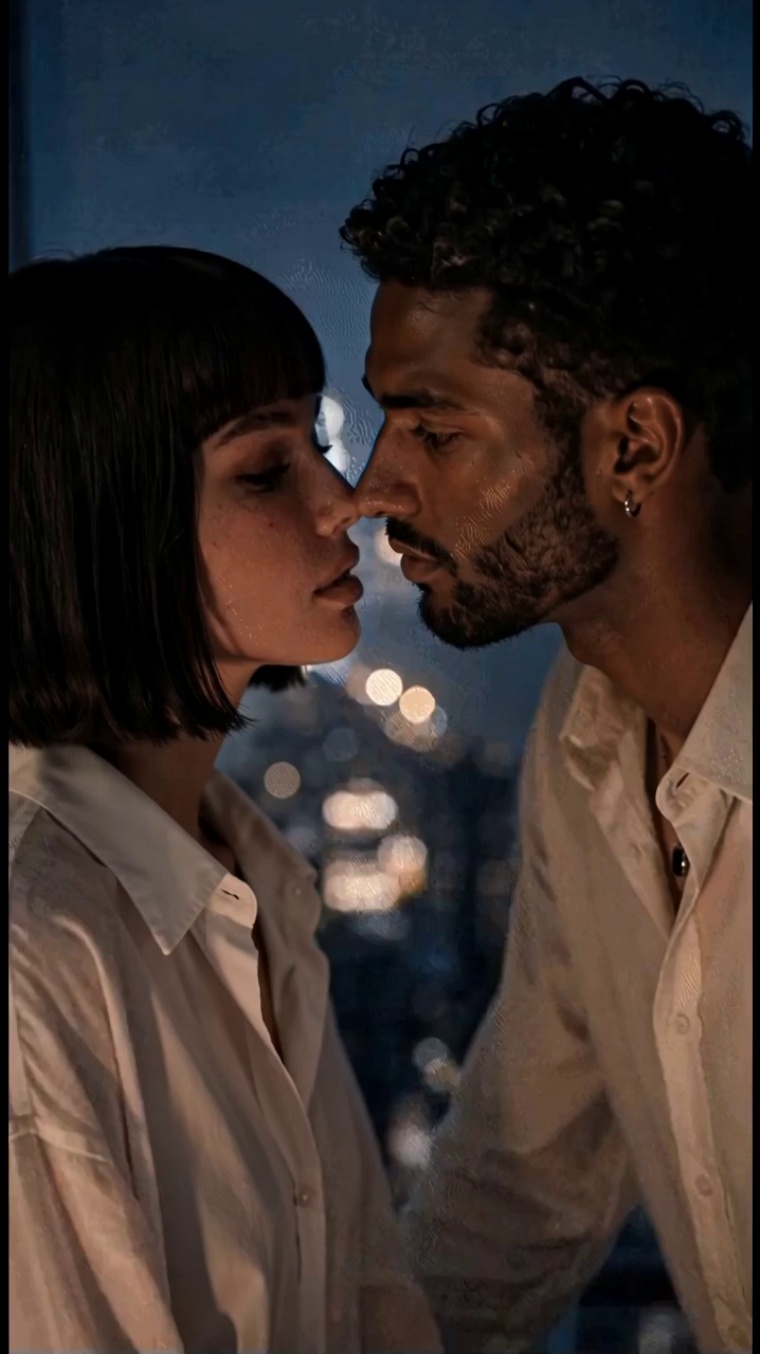
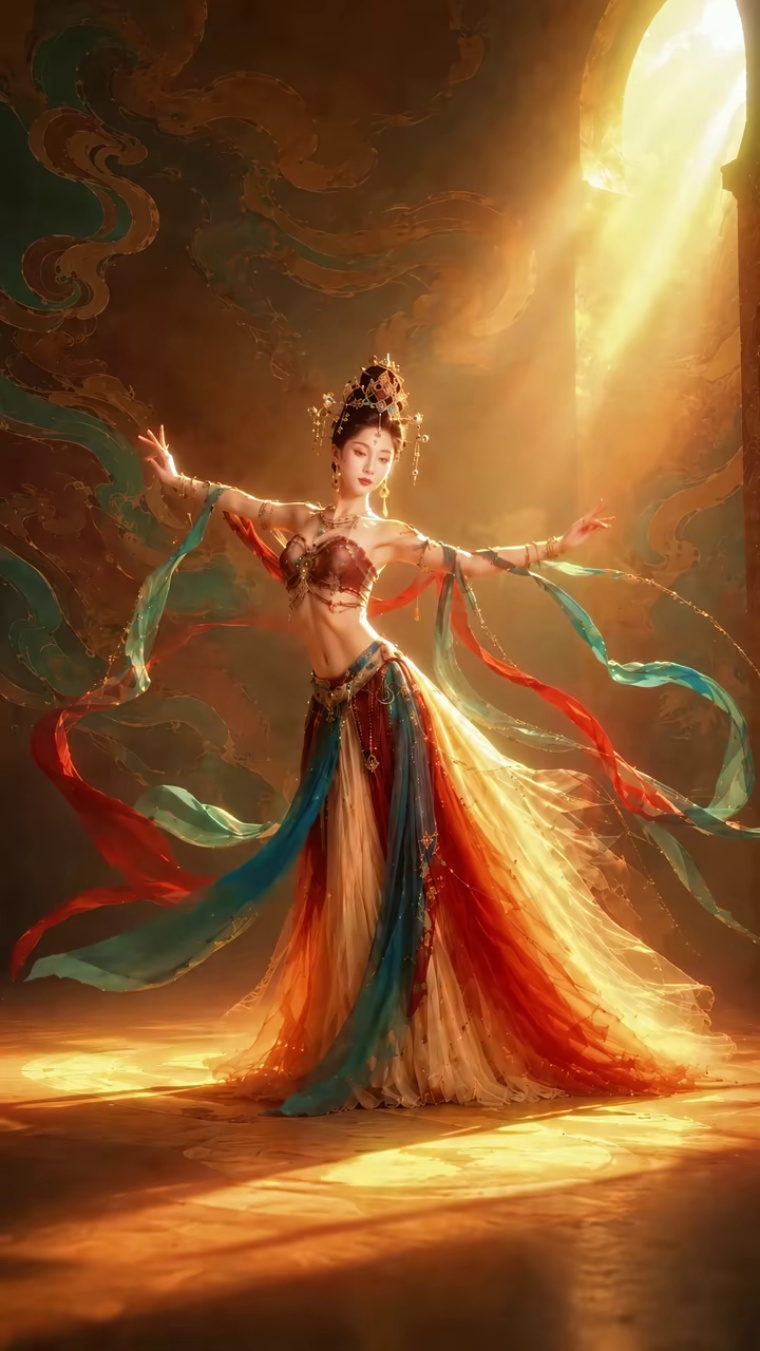
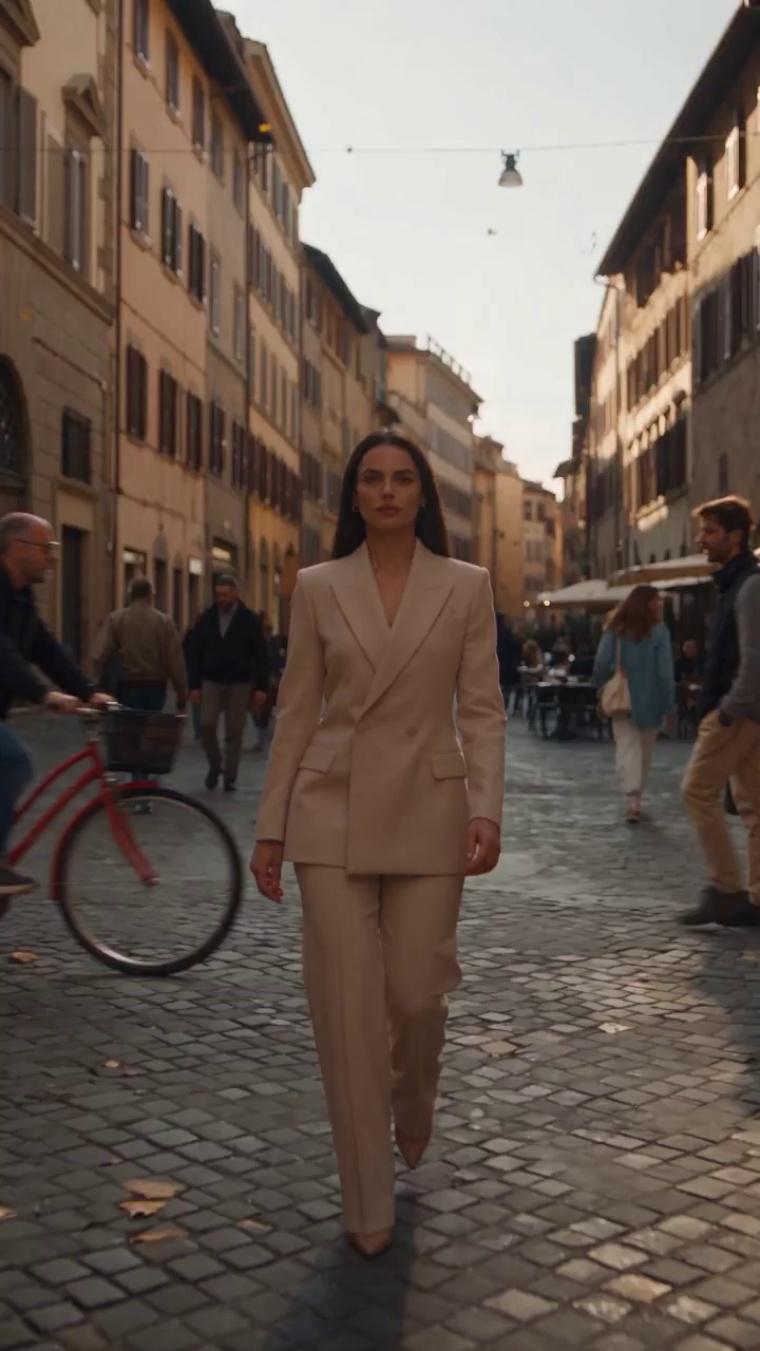
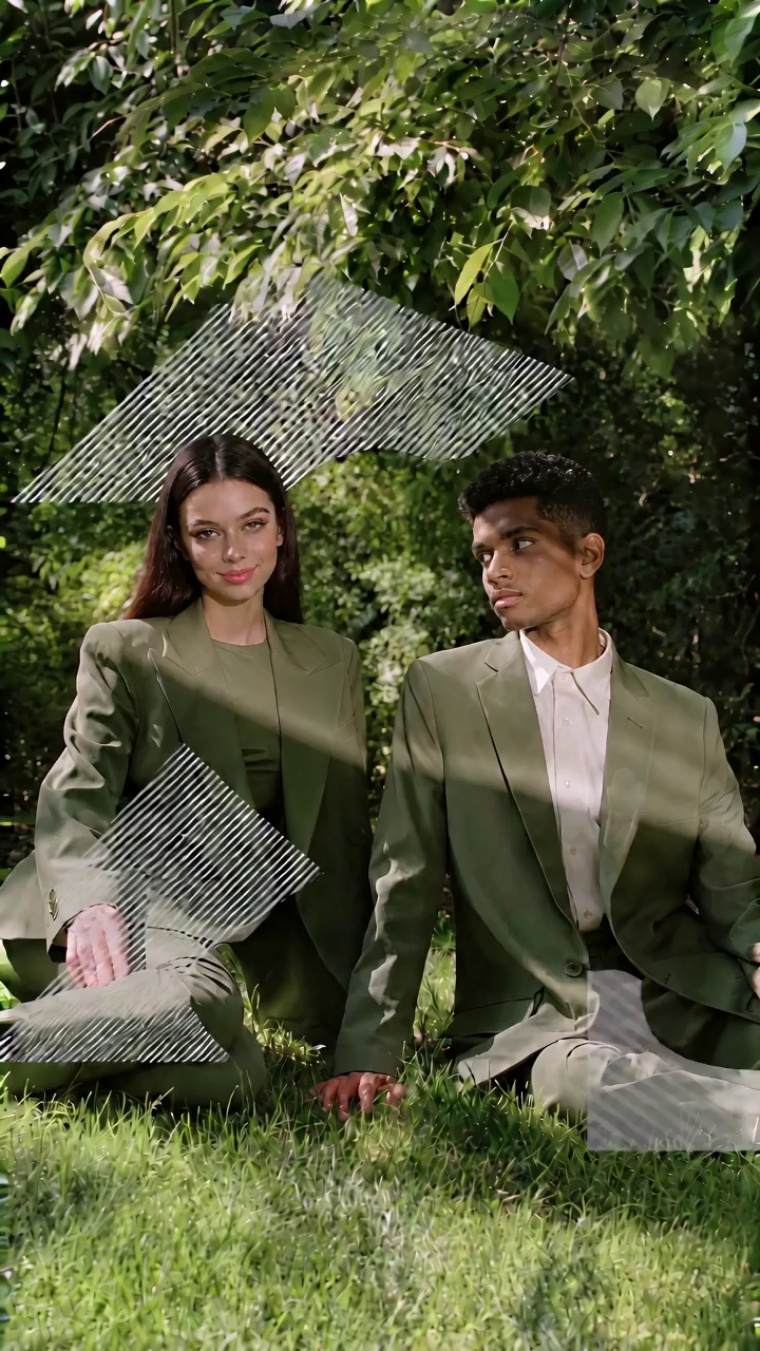
Preview the motion, framing, pacing, and required inputs before you spend Credits.


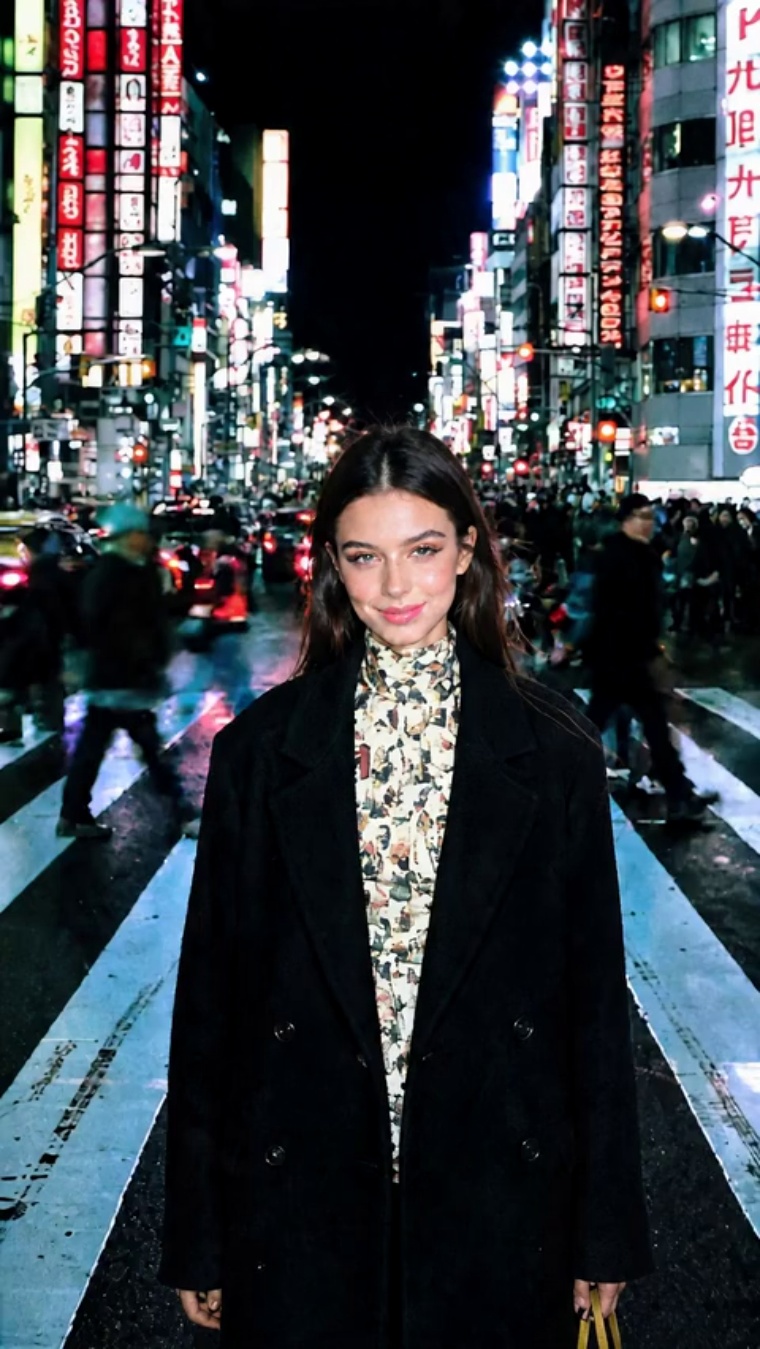
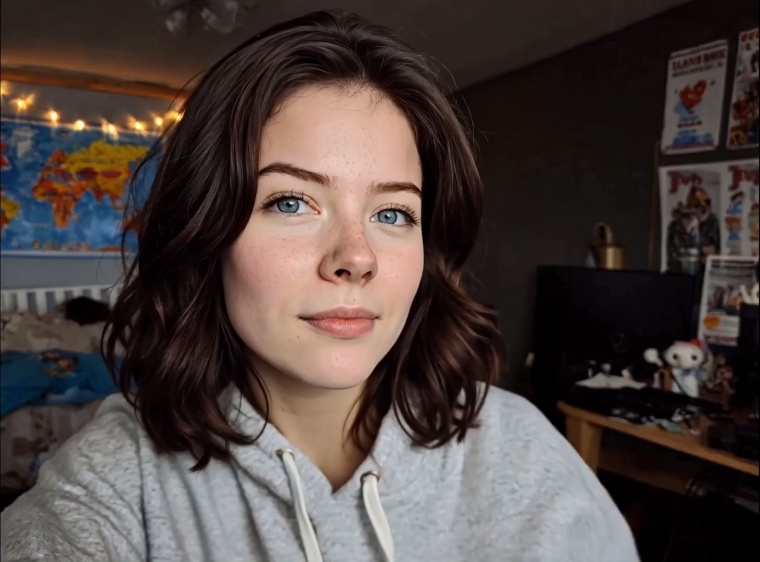
From a visible result to your next take
- 1Choose a result
- 2Add required inputs
- 3Review the quote
- 4Generate in Studio
- 5Compare and refine
Use text-to-video to describe a new scene. Use image-to-video when an existing image should guide the subject and composition.
Available models and durations depend on the Template and route. Review the supported choices in Studio.
Studio calculates the Quote from the selected model, parameters, and outputs before you confirm generation.
Each Template states its required inputs. Open the Template and provide those inputs before reviewing the Quote.
Review the Quote first. Credits reserve after confirmation and settle with the linked Job result.