


Best inputs:
 Clear Subject
- Clean Composition
- Enough Detail
Upload a character, product, or scene. Describe the motion you want.
 Template
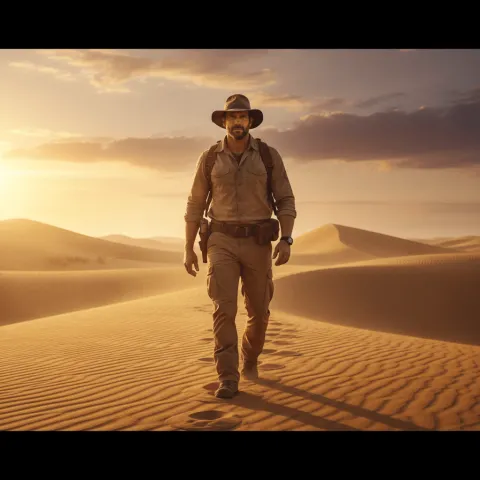 Output Video
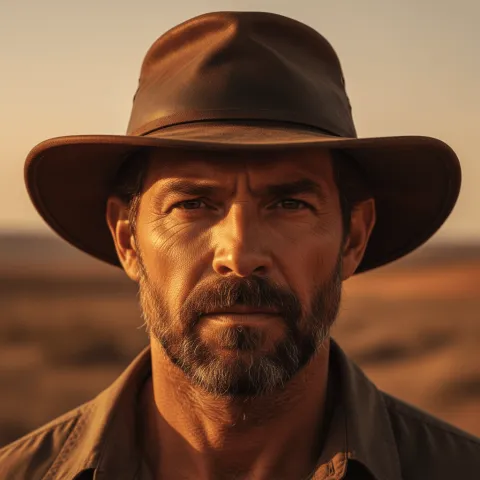 Input image
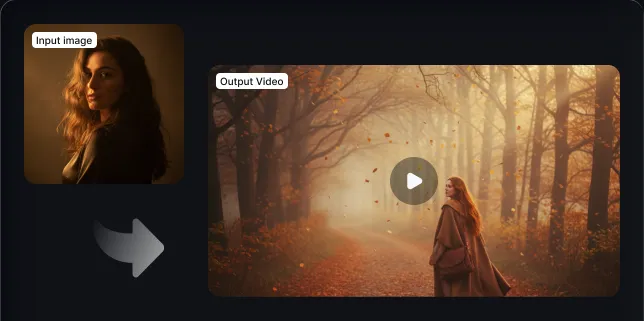
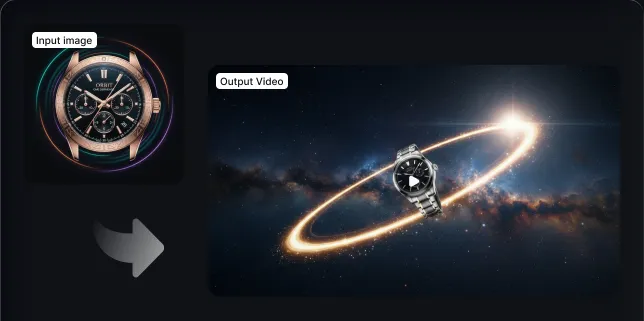
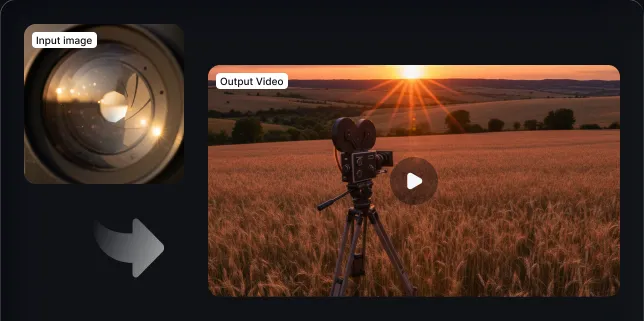
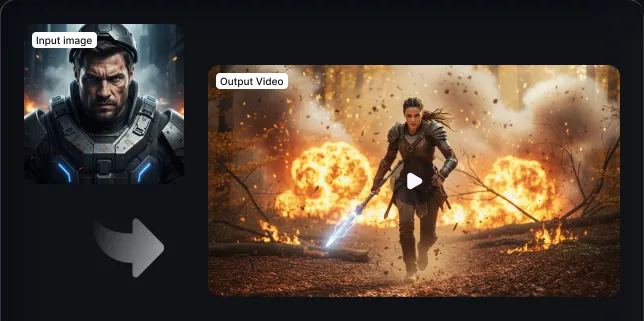
Each example starts from the source visual and adds motion. Exact identity and motion are not guaranteed.
Clear SubjectClean CompositionEnough Detail OcclusionIdentity DriftExtreme MotionSmall Text
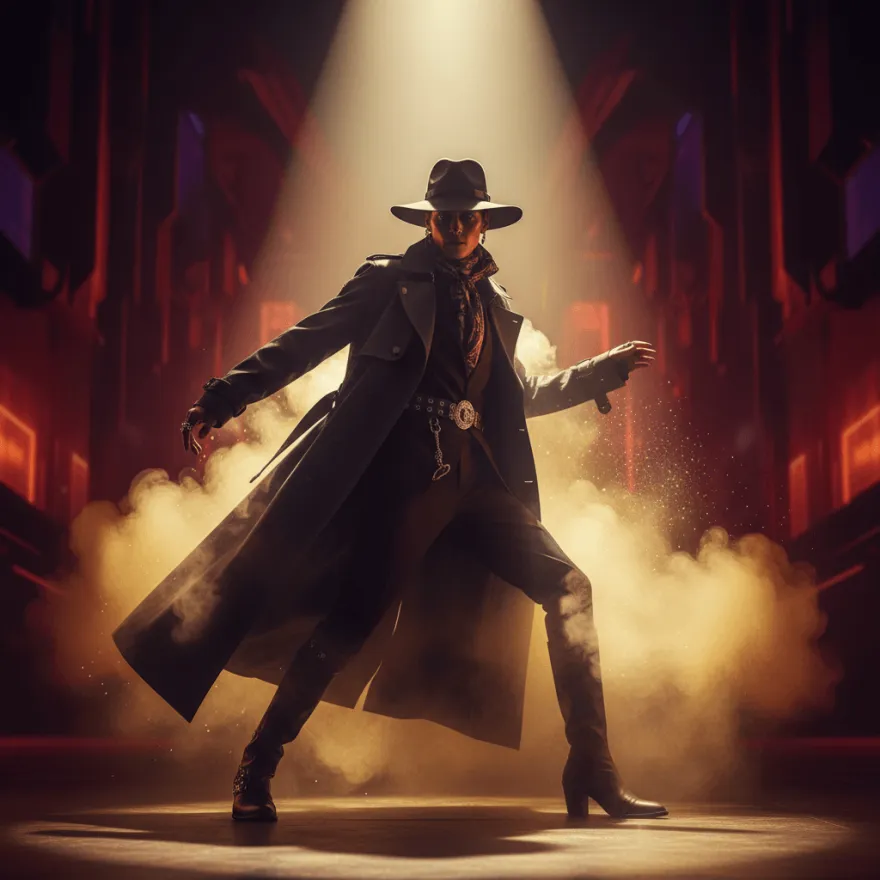
 0:03Character Reveal
 Review The Quote In Studio Before Generation.
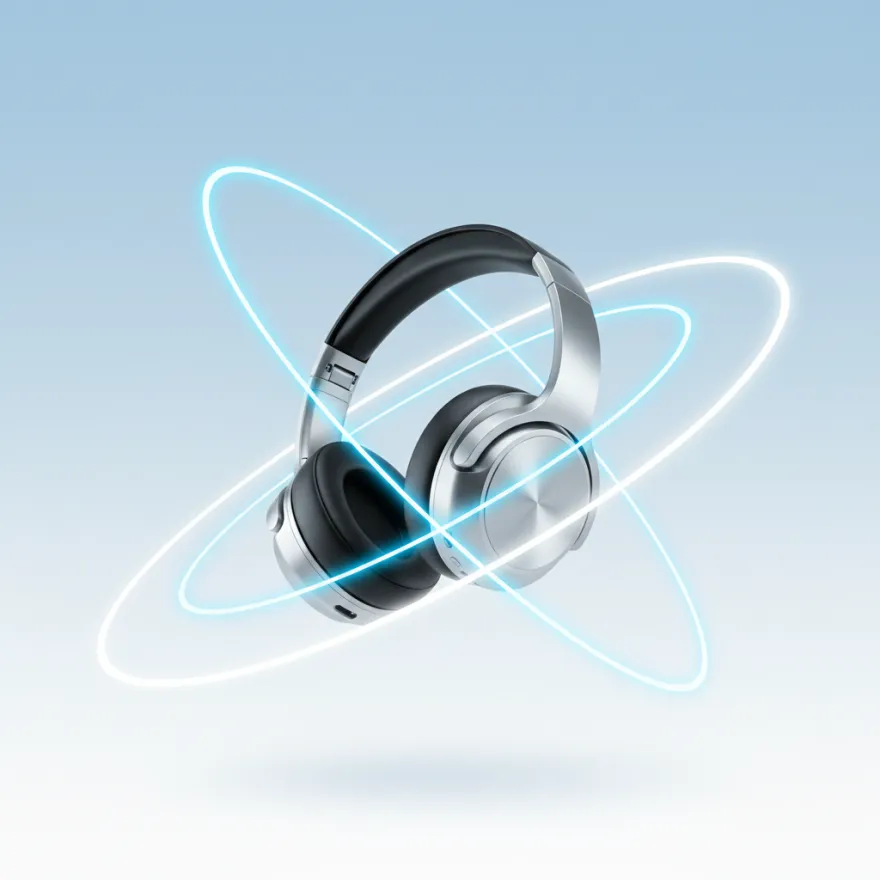 0:03Product OrbitReview The Quote In Studio Before Generation.
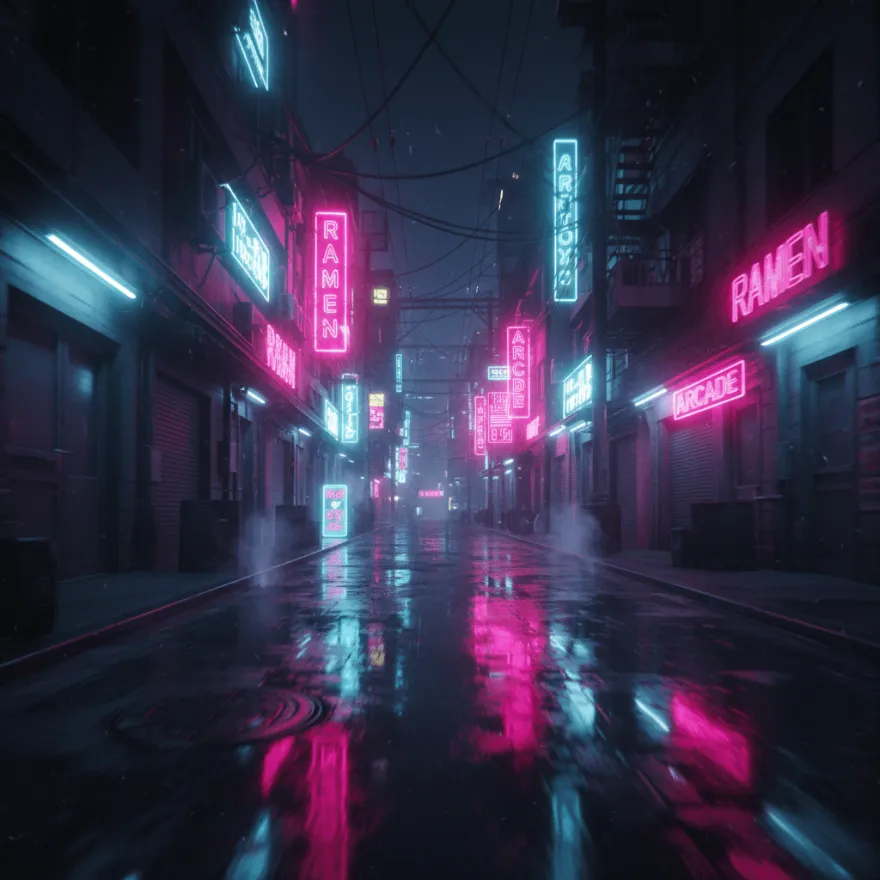 0:03Camera PushReview The Quote In Studio Before Generation.
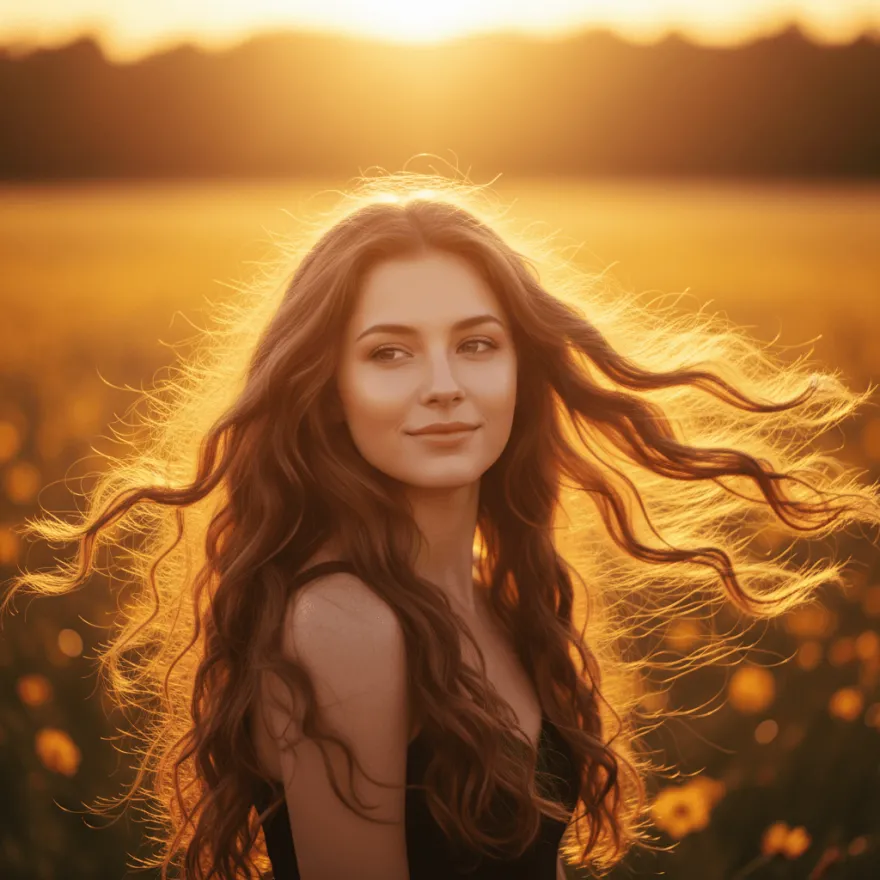 0:03Looping PortraitReview The Quote In Studio Before Generation.
Manual model selection remains available. Supported models
Duration, resolution, model, and output count affect the final cost.
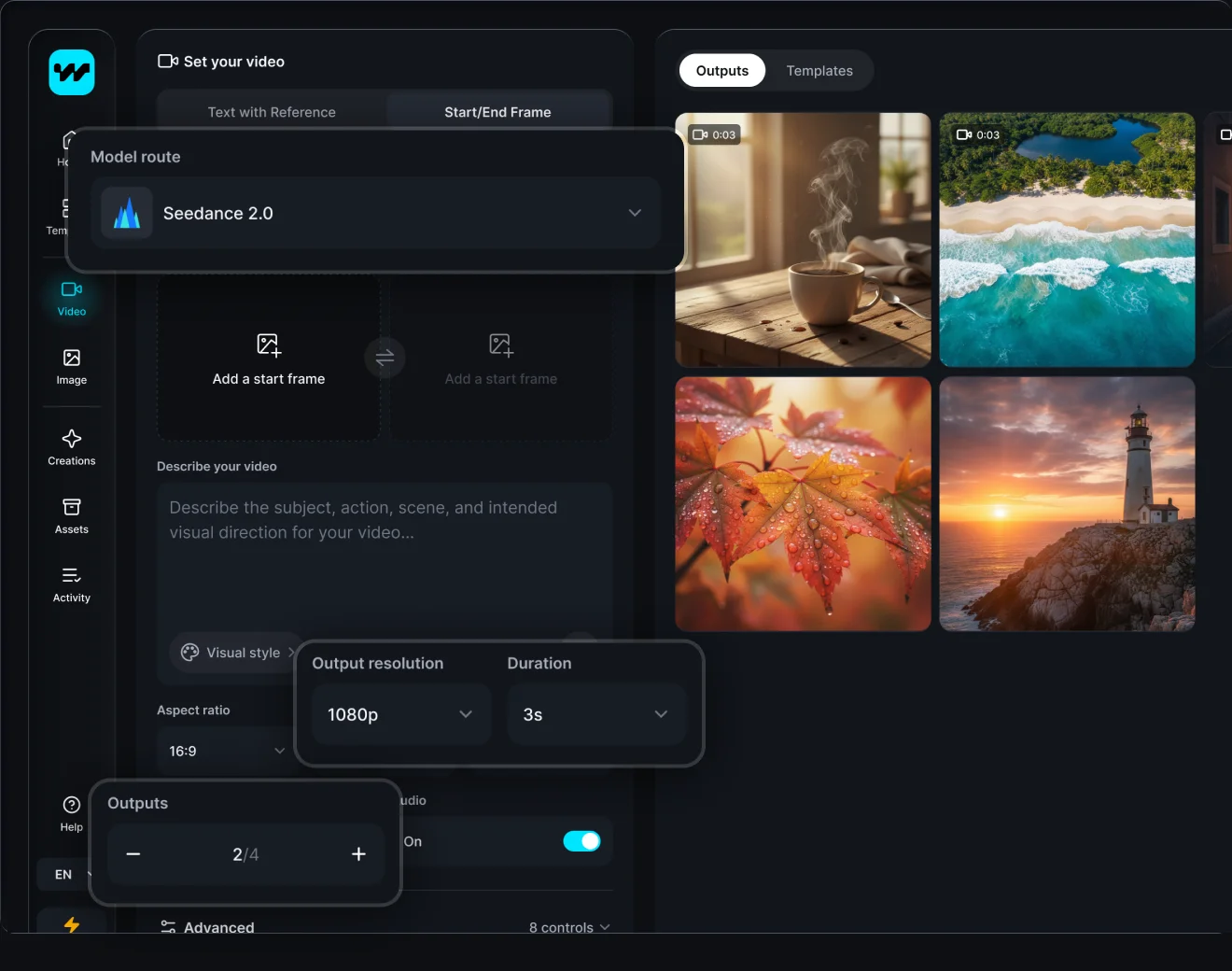

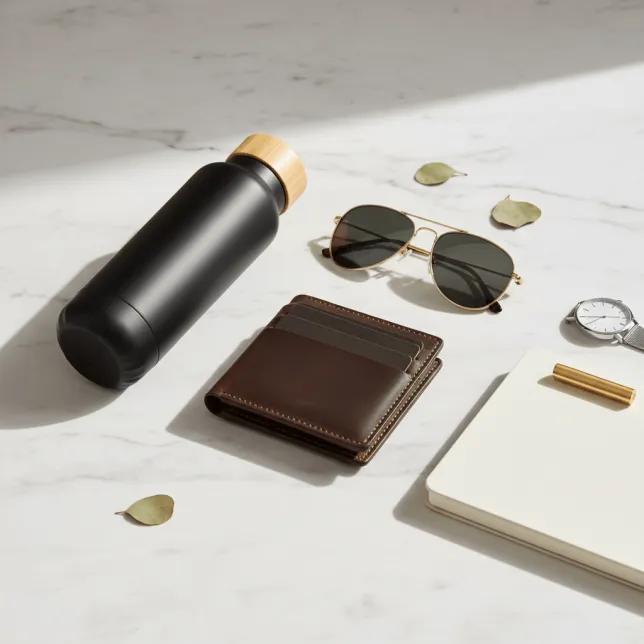

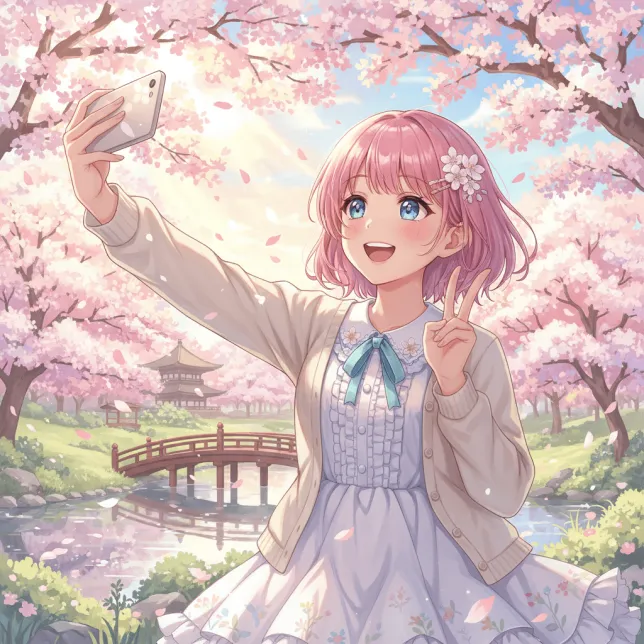
Start with a clear subject, clean composition, and enough visual detail. Avoid heavy occlusion and small text.
Exact identity is not guaranteed. Source quality, motion strength, and the selected model affect consistency.
Describe the camera intent and use the controls supported by the selected route in Studio.
Duration, resolution, model, and output count affect the final cost.