Turn a written idea into video

Describe the subject, action, setting, and camera direction. TakeWeave routes the task to a suitable video model.

Input description

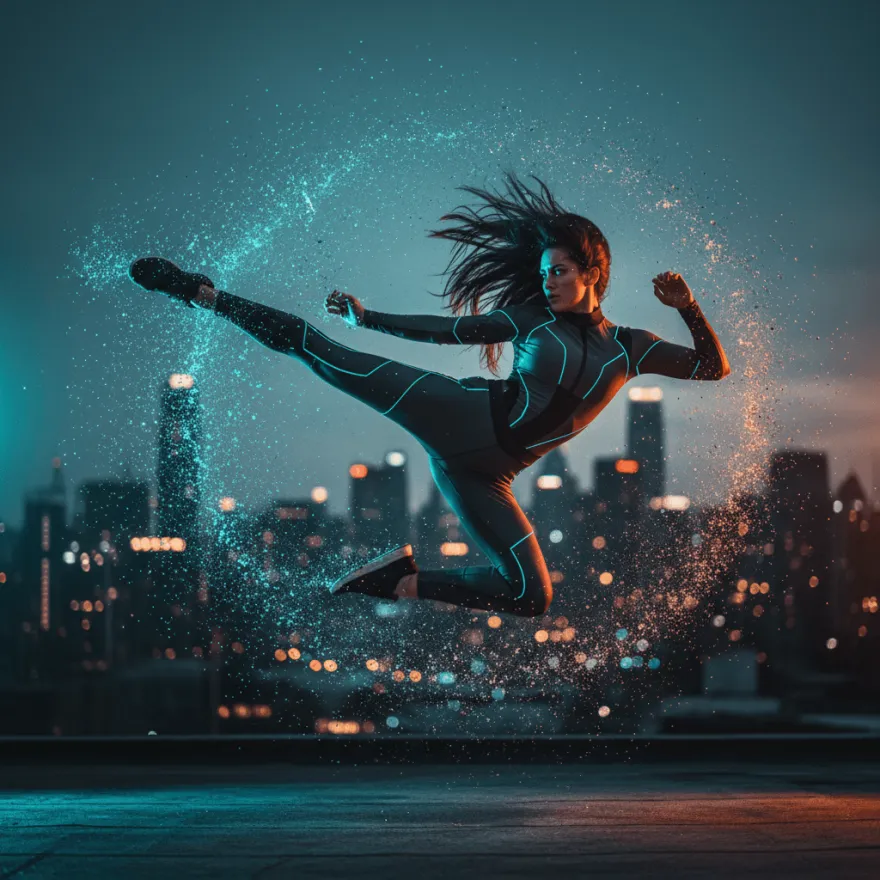
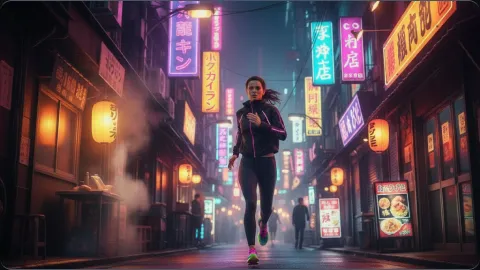
A runner crosses a neon street...

Output VideoOutput Video

From Scene Description to Moving Images

Compare a clear movement beat, product reveal, scene, or hook.

0:16
Character Motion

Running After the Light

Prompt

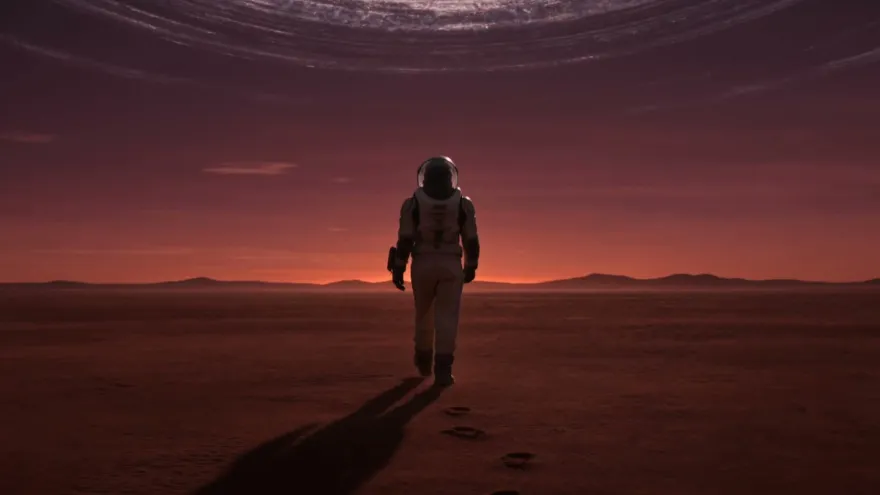
Describe how a character moves and make the action the center of the frame. Prompt direction: a cheetah runs continuously from left to right, with a side-following camera, combining realistic animal motion with fantasy light effects.
0:15
Product Showcase

Imagine a Product with Words

Prompt

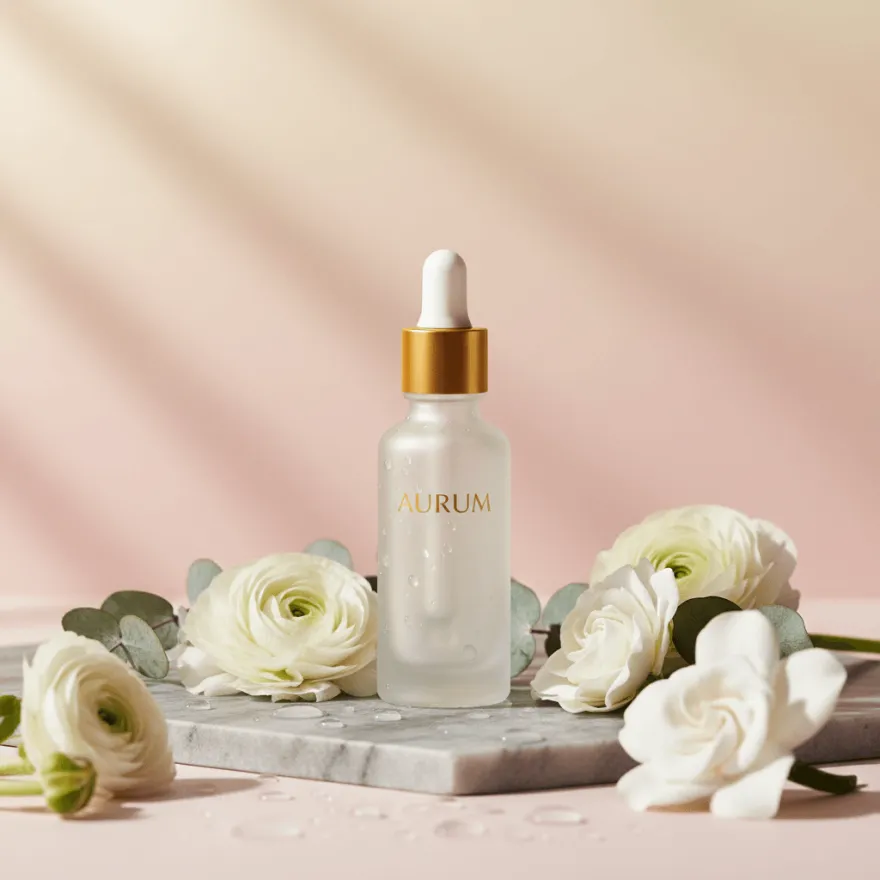
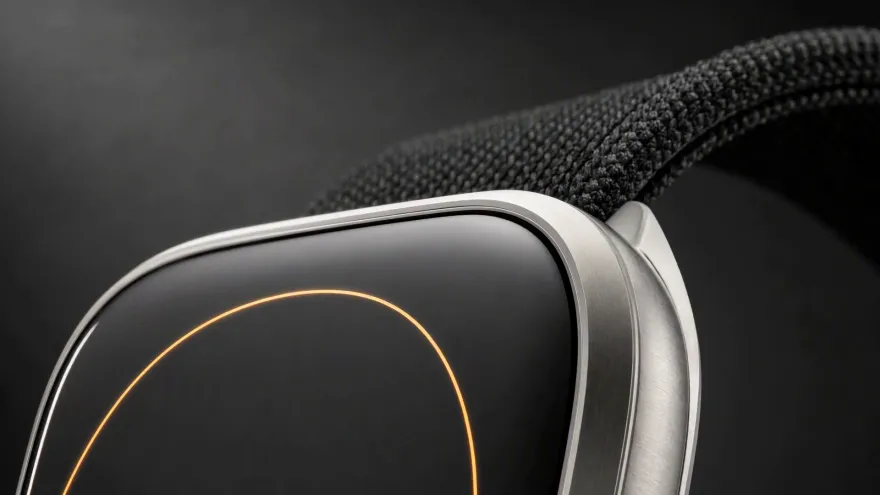
Describe shape, material, and light to explore a product concept shot. Prompt direction: an unbranded silver concept phone on a display stand, with a small camera arc and reflections changing with the viewing angle.

0:15
Cinematic Scene

Walk into a City That Does Not Exist Yet

Prompt

Write the place, weather, and camera clearly so the imagined world can unfold. Prompt direction: a rainy futuristic city, wet pavement, cyan and magenta light, and a camera moving forward along the street.

0:15
Anime

Let the Original Character Look Up into the Wind

Prompt

Write the character, action, and art style to imagine an original anime moment. Prompt direction: a white-and-orange exploration robot looks up on a sunset hillside while its scarf and grass move in the wind, in a 2D cel-shaded style.

Subject+Action+Setting+Camera Intent→Moving Take

Give the model a clear visual brief

Subject + Action + Environment + Camera + Style + Format

Anime0:15
Anime

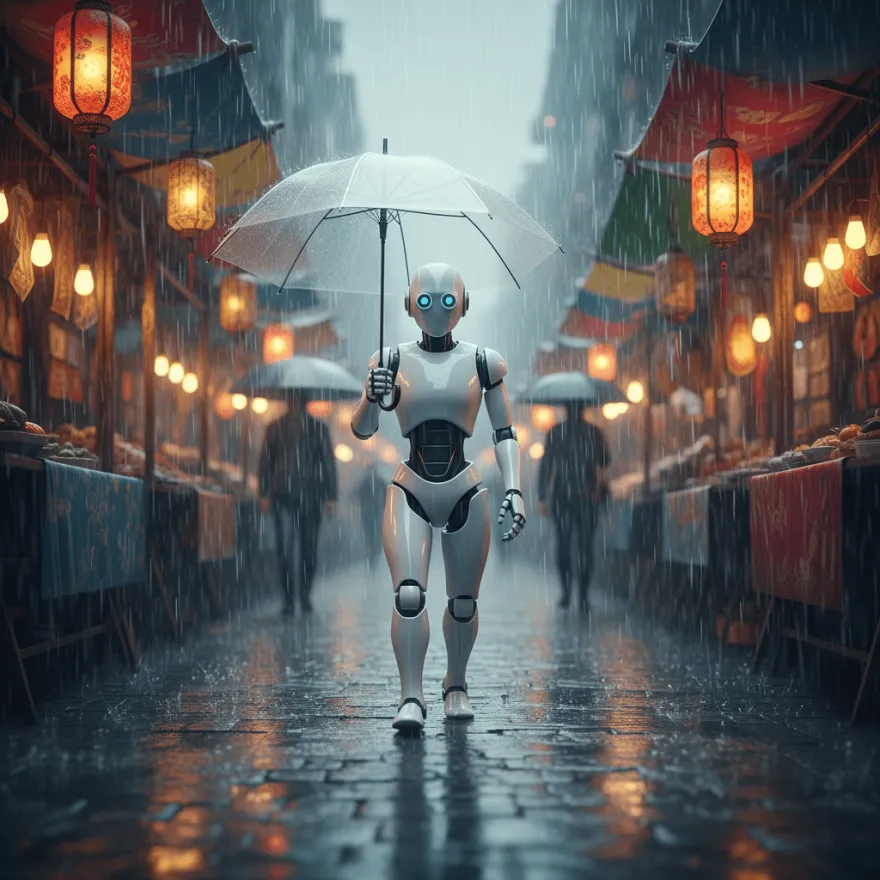
A ceramic robot walks through a rainy market, slow dolly.

Prompt

A ceramic robot walks through a rainy market, slow dolly.

WHAT TEXT CAN CONTROL

Strong:

  • Scene
  • Mood
  • Action
  • Camera Intent
  • Visual Style

Less stable:

  • Exact Identity
  • Complex Choreography
  • Readable Text

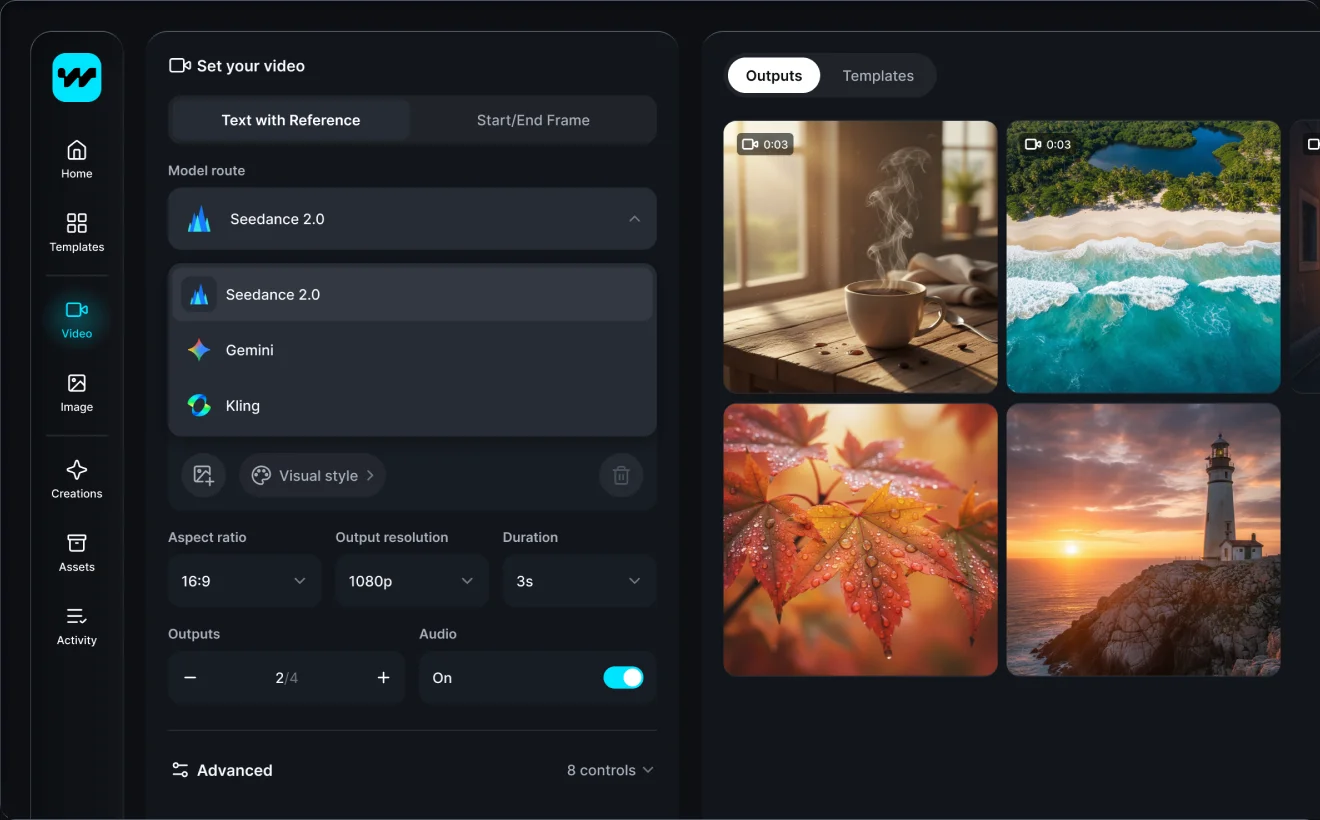
Auto matches the brief to a suitable model

It considers motion, duration, ratio, visual style, cost, and availability. You can override the model in Studio.

Auto matches the brief to a suitable model — Studio illustration

Cost depends on the video you ask for

Model

Add references

Resolution

Number of Takes

Best for new scenes without a source image

Concepts

Instantly draft story beats, character concepts, and experimental settings with direct prompts.

Story moments

Inject action or dialogue environments into narrative scenes before filming or animating.

Mood shots

Build thematic b-roll and atmospheric visuals for commercial projects and brand promos.

Social hooks

Draft high-contrast, attention-grabbing animations optimized for modern portrait streams.

Write the visual brief clearly

Review the supported format and duration, route, and final Quote in Studio before generation.