

One workspace for
visual creation
Start from a Template or create images and videos from scratch.
CHOOSE YOUR STARTING POINT
Auto is the default routing mechanism across these paths.

TWO WAYS TO START A VIDEO
Auto is the default routing mechanism across these paths.
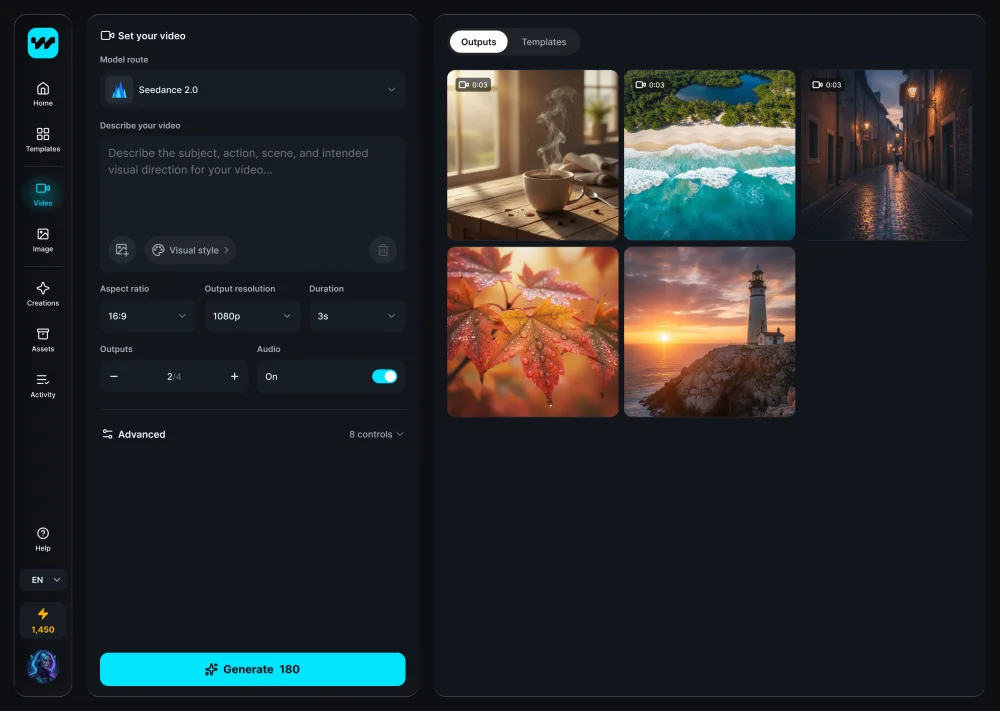
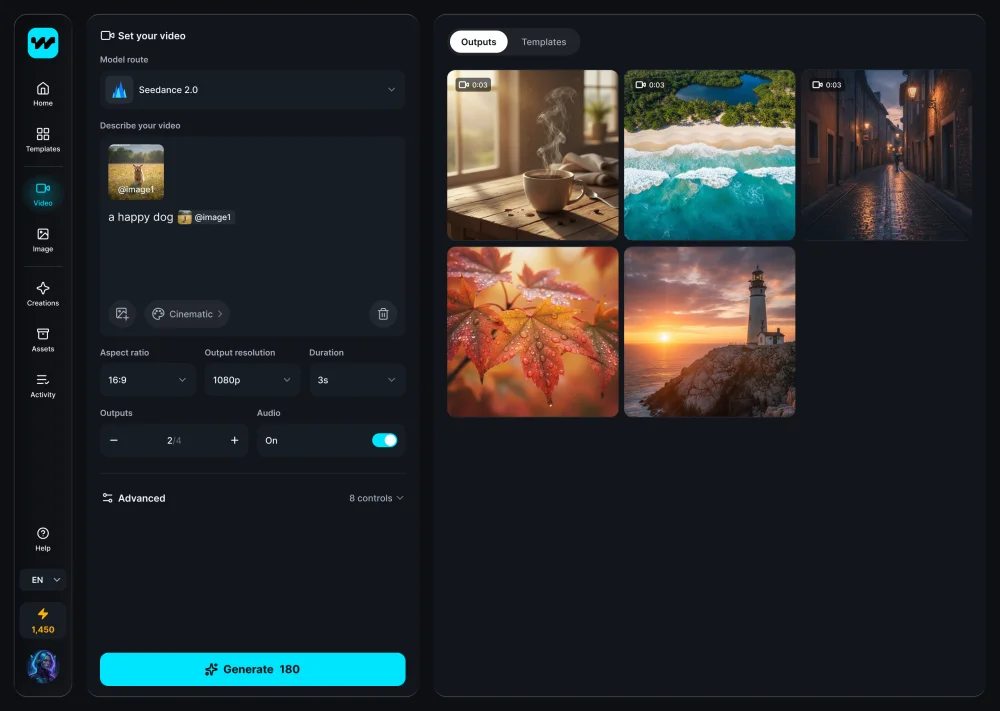
AUTO BY DEFAULT. MANUAL WHEN YOU WANT
You can still choose a model manually in Studio.
 Task

 Input
 Format
 Quality
 Cost
 Availability

 Suitable model route
WHICH PATH FITS YOUR TASK?
| Path | Best when | Input | Output |
|---|---|---|---|
| Template Remix | You want a known result | Template+asset | Image/Video |
| Text to Video | You have a written idea | Text | Video |
| Image to Video | You have a source image | Image | Video |
| AI Image | You need a still visual | Text/Image | Image |
Know what each path can control
Results vary by input quality, model, duration, and complexity.
 0:15
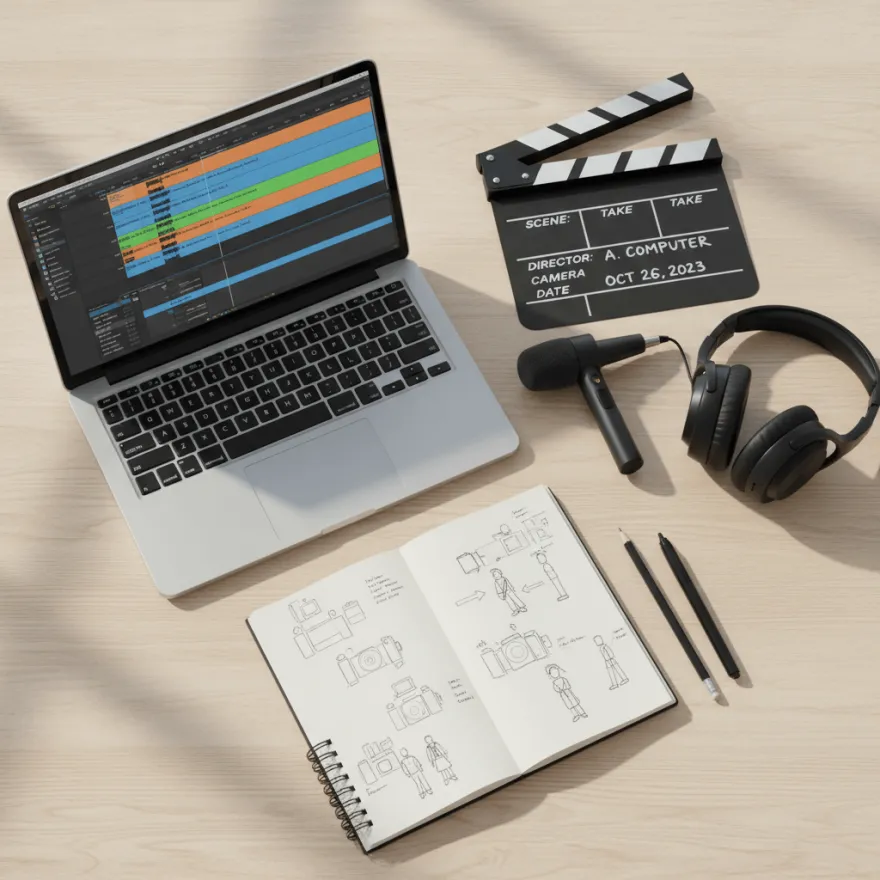
AI Video
From One Starting Point to Moving Images
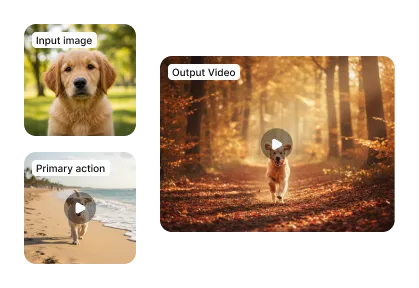
Start your next video with a sentence or an image. Describe the scene, action, and camera direction you want to see, or upload an image as a starting point to explore motion. Choose text-to-video or image-to-video according to your creative needs.
What you can make
- Scene shorts from written ideas
- Animated extensions of character, product, or illustration images
- Video variations exploring different actions, atmospheres, and camera directions
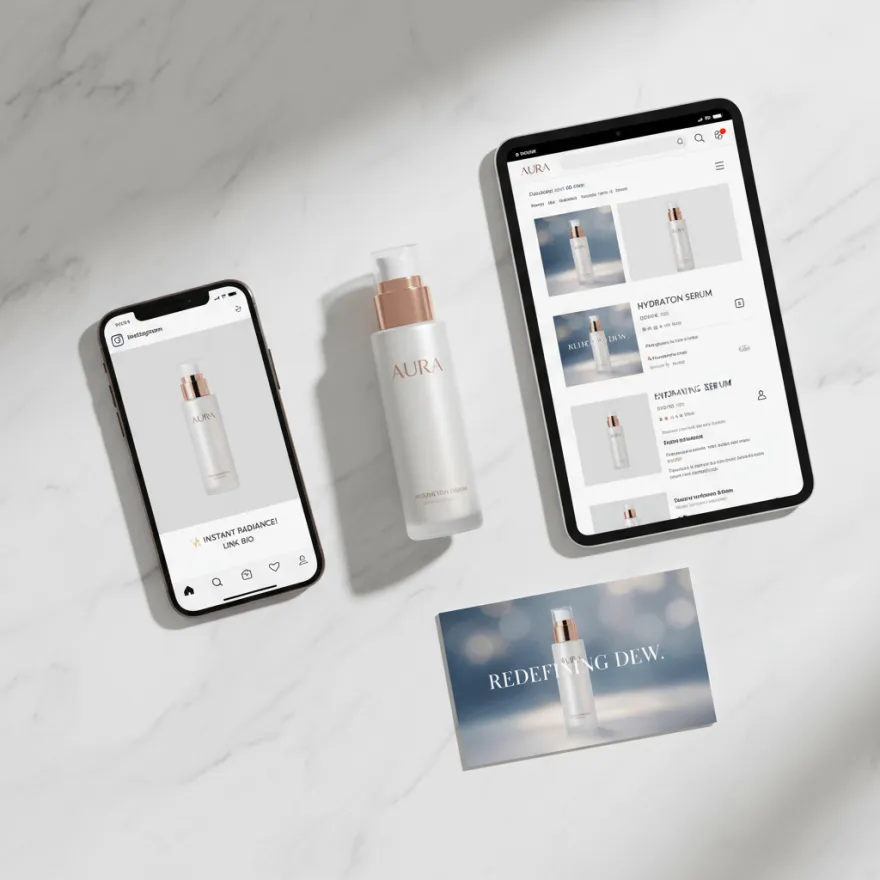
AI Image
One Idea, Different Visual Directions
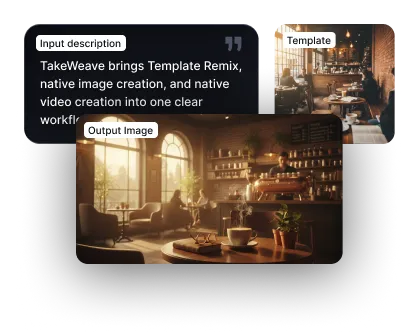
Turn the image in your mind into a visible creative direction. Start with a text description or reference image and explore different scenes, atmospheres, and visual styles. Develop one idea into multiple image versions and find the direction you want to keep using.
What you can make
- Scene, character, and product concept images
- Image variations with different atmospheres and visual styles
- Social graphics, illustrations, and visual concept art
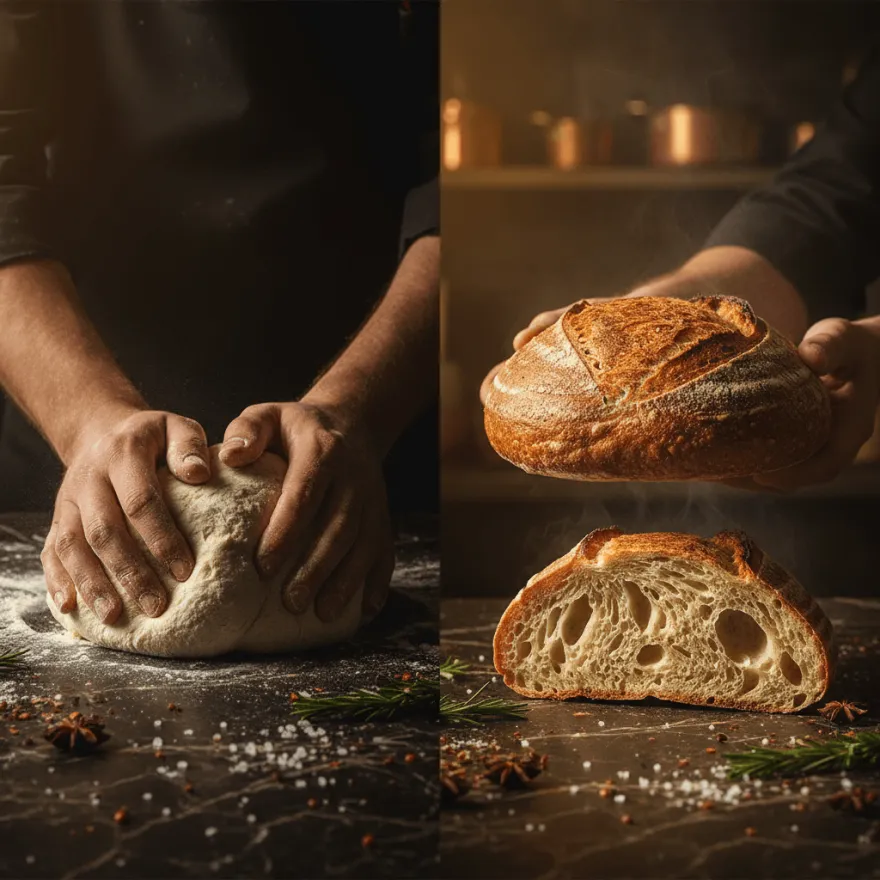 0:15
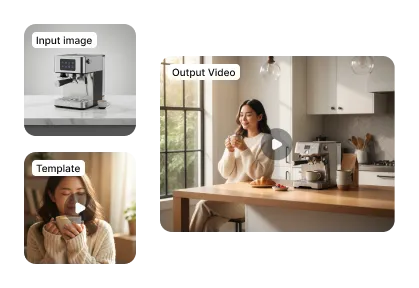
Template Remix
Like the Effect? Make It Yours
Start with an effect you like and make your own version. Choose a Template, add your own assets and description as required, carry forward its creative structure, and replace the subject, product, or scene to explore a version suited to your content.
What you can make
- New Template versions with replaced characters or products
- The same creative idea extended to different settings
- Image and video content with a consistent series feel
Use Template Remix for a known result, Text to Video for a written idea, Image to Video for a source image, or AI Image for a still visual.
Auto evaluates your task, inputs, format, quality, cost, and current availability to choose a suitable model route. You can also select a model in Studio.