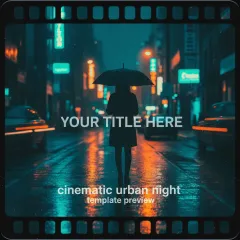

Ai video generator for more usable takes

Create video from text, an image, or a reusable Template—with Auto model routing by default and manual selection when you need it.

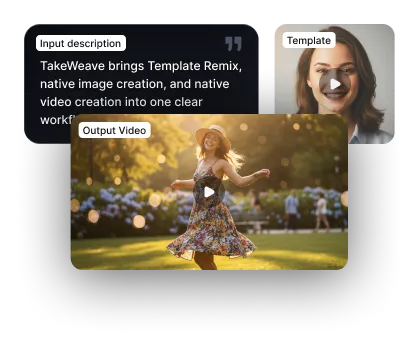
Input description

TakeWeave brings Template Remix, native image creation, and native video creation into one clear workflow.

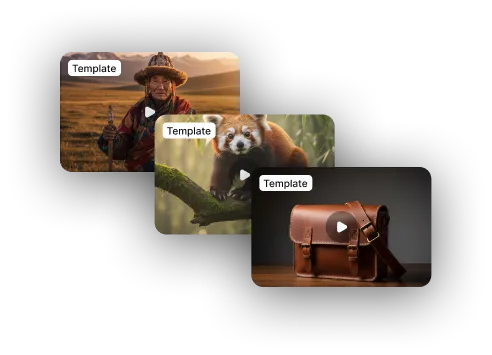
TemplateTemplate
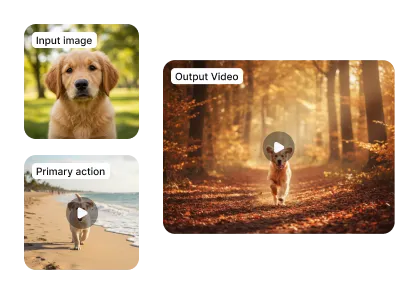
Output VideoOutput Video
Input imageInput image

SEE WHAT YOU CAN CREATE

Compare a clear movement beat, product reveal, scene, or hook.

0:15
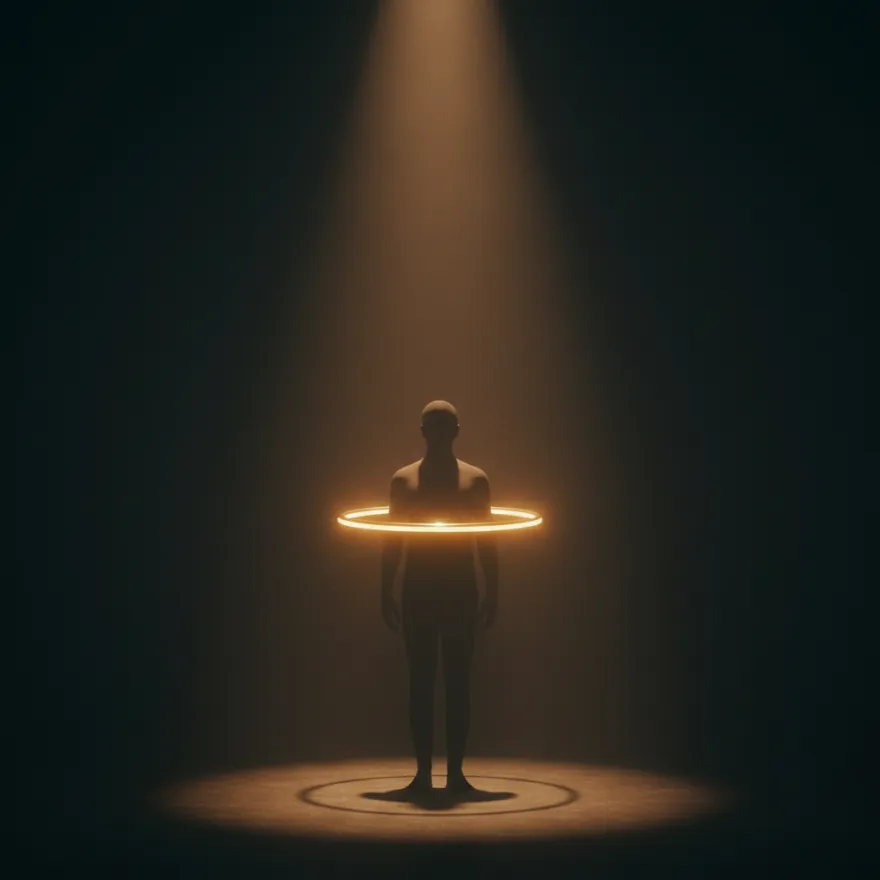
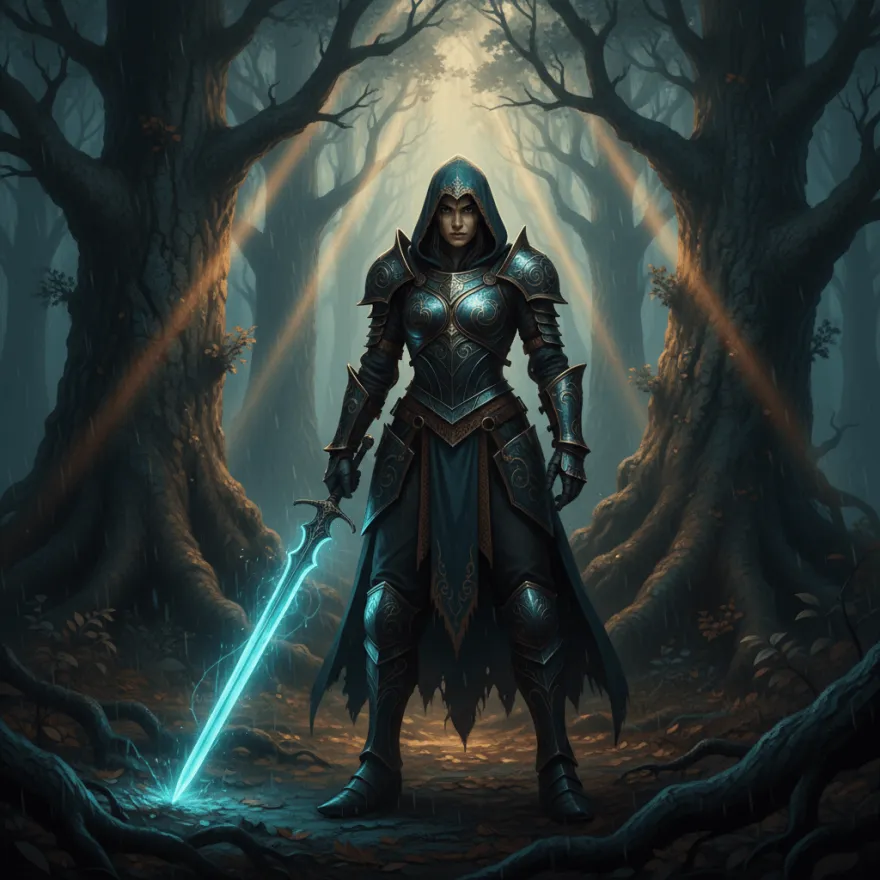
Character Motion

After the Turn, the Character Has a Feeling

Let movement and expression tell a character moment. Start with a character image or text description and explore turning, walking, waving, and emotional change. Build around one clear action for character introductions or story transitions.

What you can make

  • Character turning, walking, and simple action clips
  • Expression changes and emotional reactions
  • Character introductions and story-transition shots
0:14
Product Showcase

Follow the Light and See the Product

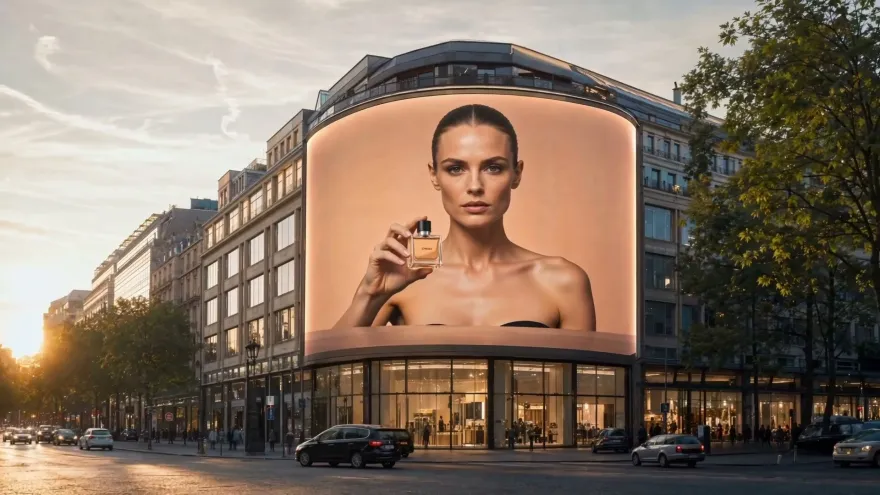
Show the product’s shape and texture through light and camera movement. Start with a product image or scene description and explore detail close-ups, camera moves, and atmosphere. Create dynamic shots for launches and short advertisements around one product.

What you can make

  • Product showcase and launch shorts
  • Material, silhouette, and detail close-ups
  • Product shots under different lighting and atmospheres
0:13
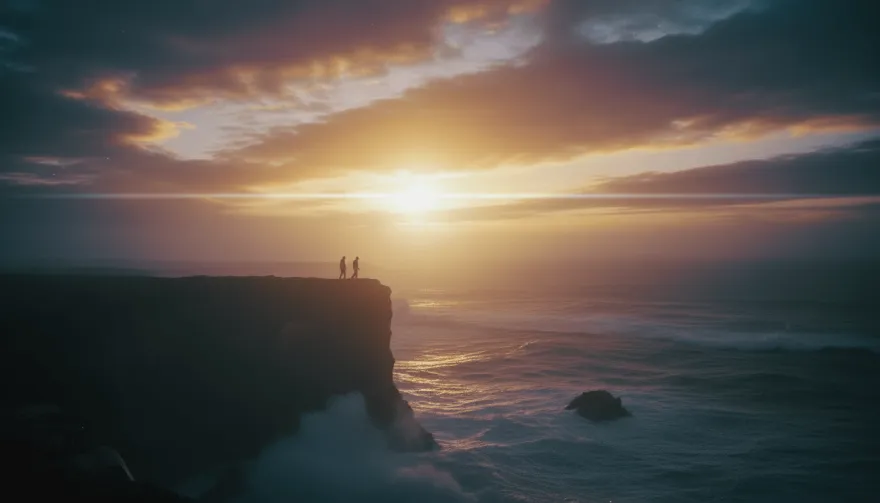
Cinematic Scene

The Story Begins Before the Rain Stops

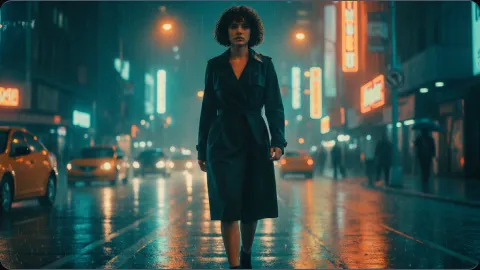
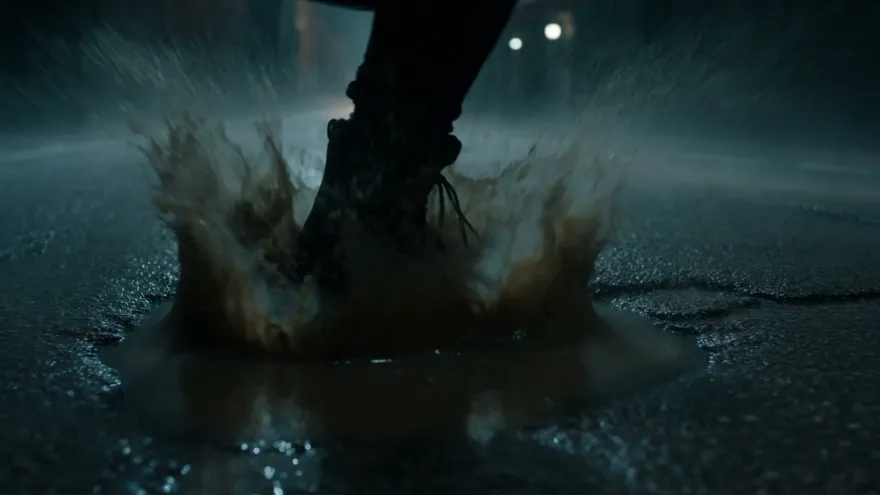
Build story atmosphere with light, environment, and camera. Describe a place, an action, and the emotion you want, then explore dynamic shots in rainy streets, imagined spaces, or everyday settings to find a visual direction for story openings and mood moments.

What you can make

  • Story openings and establishing shots
  • Lighting, weather, and environmental atmosphere
  • Cinematic shorts with a light narrative thread
0:15
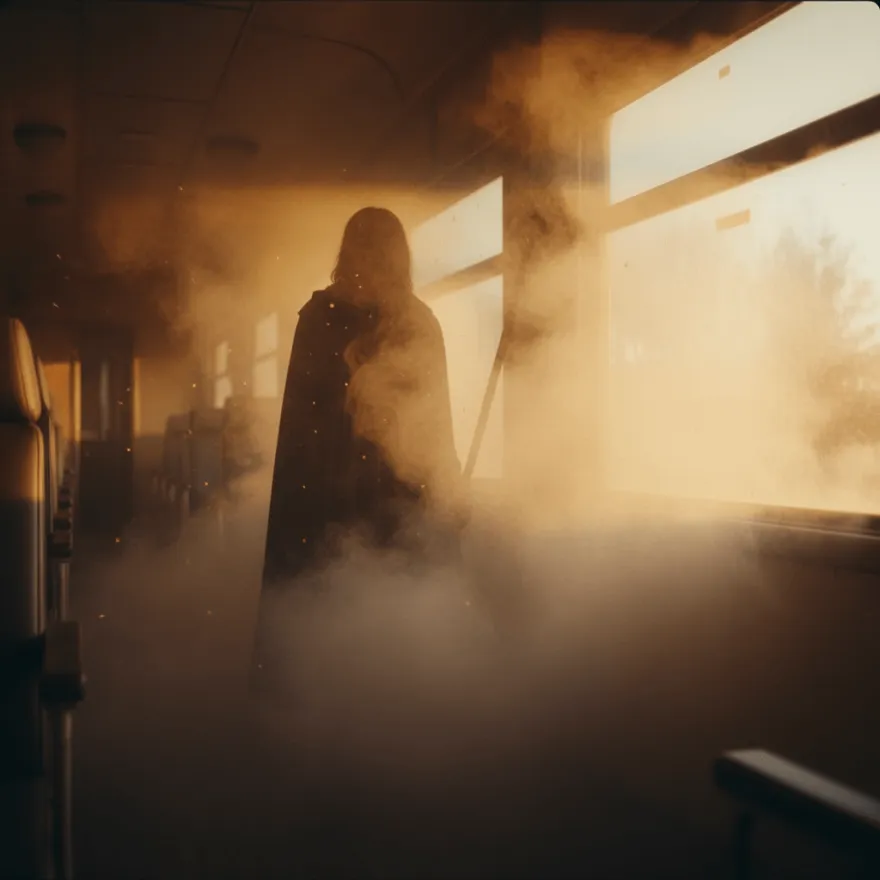
Social Content Opener

The Second the Lens Is Covered

Use a memorable opening to lead into what you want to share. Design a visual hook around an occlusion, reveal, or scene change, then connect it to a lifestyle post, creative share, or product introduction for a clear short-video opening.

What you can make

  • Occlusion transitions and scene-reveal openers
  • Openings for lifestyle and creative-sharing videos
  • Opening shots for product introductions and themed content

Start with what you already have

Template Remix

Template Remix

Replace inputs in a known result.

Explore

Control the format. guide the motion

Controls

  • Ratio
  • Duration
  • Motion
  • Camera
  • Model

Limits

  • Complex Interactions
  • Text Rendering
  • Consistency May Vary

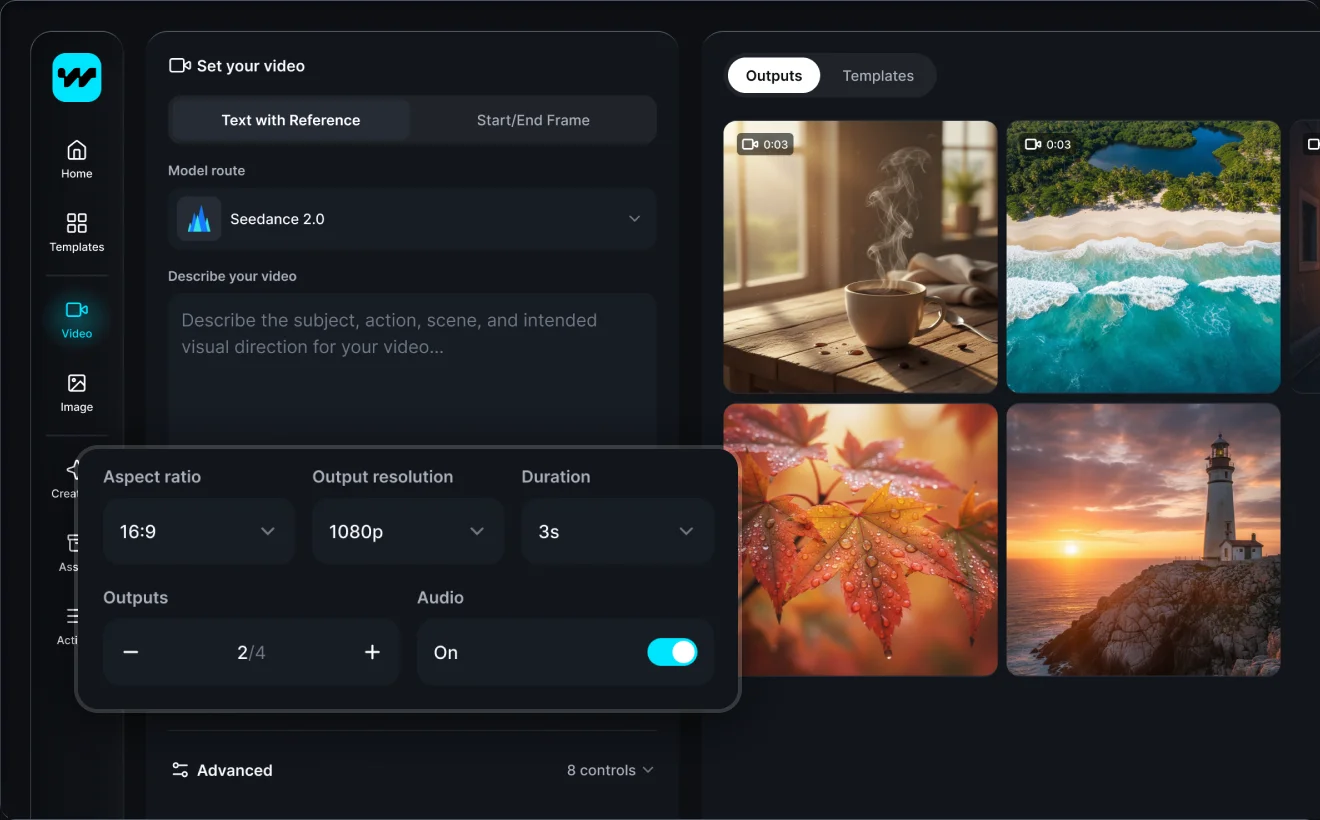
LET THE TASK GUIDE THE MODEL

Auto considers input type, duration, ratio, quality, cost, and current availability. Manual selection remains available in Studio.

LET THE TASK GUIDE THE MODEL — Studio illustration

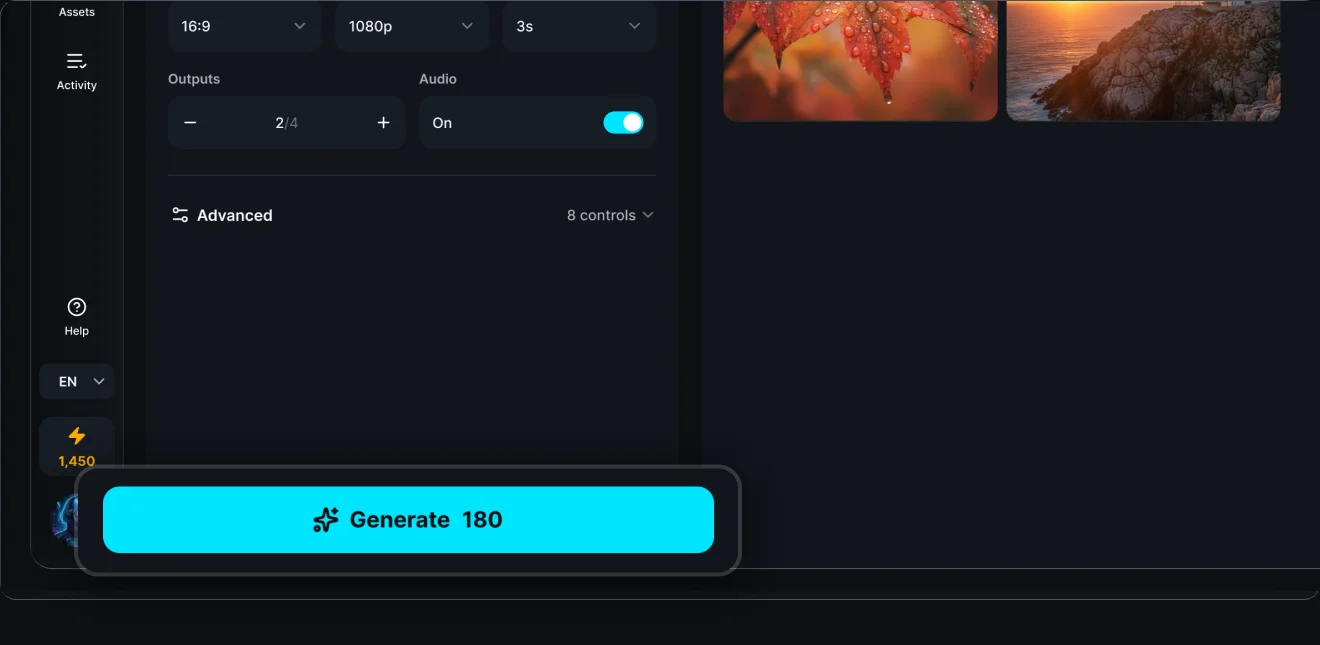
See the quote before you generate

Estimated Credits depend on model, duration, resolution, and mode. The final quote appears in Studio before confirmation.

See the quote before you generate — Studio illustration
  • Limits and duration follow the current route; Auto is the default.
  • Sound is route-specific;
  • Failed reservations release or refund according to the shown policy.