

AI video prompting
How to Write AI Video Prompts: A Practical Guide
An AI video prompt describes a shot: what the viewer sees, what happens, and how the camera records it. Start with a clear subject and one main action, then add the setting, camera movement, lighting, and ending that matter to your idea.
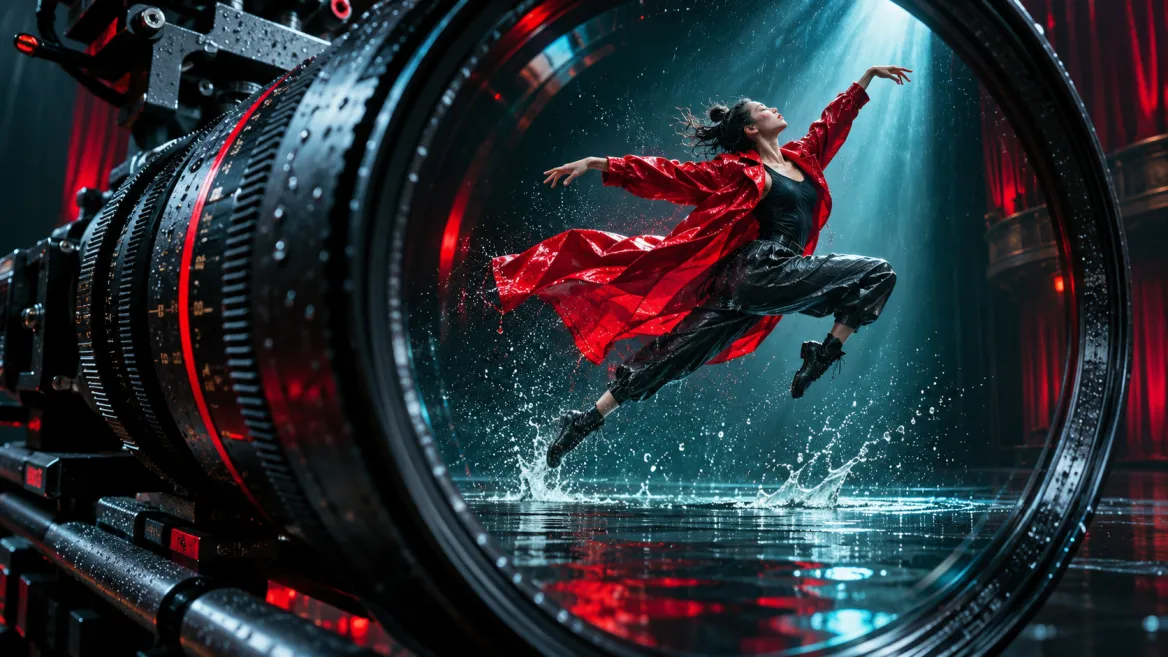
You do not need a long list of cinematic adjectives. You need instructions you can recognize in the finished clip.
Start with a shot, not an entire campaign
Before writing, finish this sentence: “In this shot, the viewer should see ___.”
For example: “A cosmetic tube stays centered while a soft highlight moves across its surface.” That gives the shot one purpose. Asking the same short clip to introduce the product, show several angles, demonstrate its benefits, and end with a complete sales message creates a more complicated task.
Plan separate shots when the idea needs several distinct moments. You can arrange them into a story during editing.
Use this AI video prompt framework
[Shot size] of [subject] in [setting].
[Subject action].
The camera [movement and pace].
[Lighting and visual style].
The shot ends with [final composition].
Treat the framework as a writing aid. Only include fields that help the shot. Camera language is a practical part of video prompting: Google DeepMind's Veo guide illustrates how framing and camera direction communicate a visual idea. Exact behavior depends on the tool and model you use.
TakeWeave.ai / FIELD GUIDE
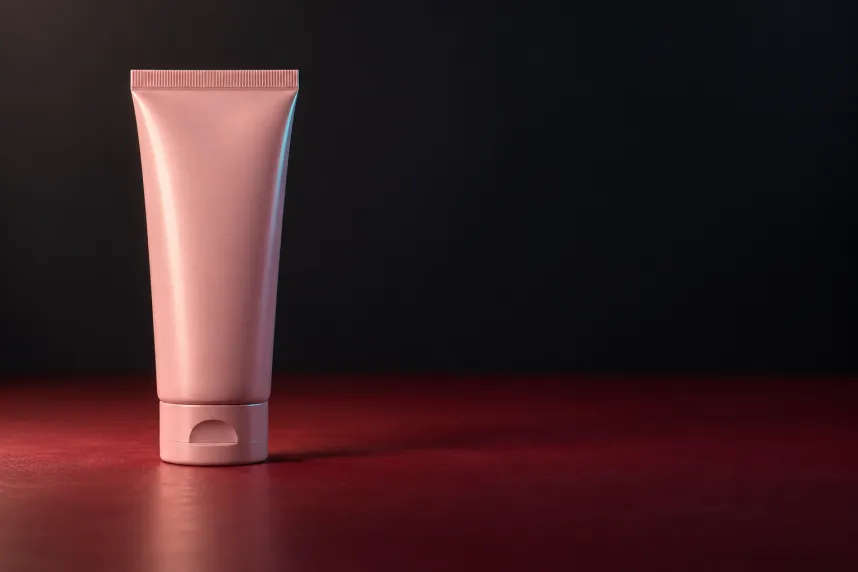
Keep the subject still; plan a moving highlight.
Keep the full tube visible and leave space for text added during editing.
Example: a simple product reveal
A medium close-up of an unlabelled pink cosmetic tube standing on a reflective red surface. A narrow highlight travels slowly across the front of the tube. The camera makes a gentle push-in. Soft studio lighting and realistic materials. End with the complete tube centered and clear space beside it for a headline added during editing.This is an original writing example, not a tested output. It tells you what to inspect: the full product, the highlight, the push-in, and the space for later text.
Example: a more restrained variation
A close-up of an unlabelled cosmetic tube on a red studio surface. The product stays still as a soft reflection moves across the background. The camera remains fixed. End on a clean product composition.The second example changes the creative goal. It suits a quiet product shot; it does not satisfy a brief that requires a rotating product.
Choose one camera move
| Direction | What you are asking the viewer to see |
|---|---|
| Push in | The camera moves closer to the subject |
| Pull back | The camera moves away to reveal more of the scene |
| Pan | The view turns horizontally |
| Tilt | The view turns vertically |
| Track sideways | The camera travels beside the subject |
| Fixed camera | The framing stays in place while something in the scene moves |
Avoid combining directions unless the sequence requires them. “Fixed camera” and “orbit around the product” describe different intentions. Choose the one that serves the shot.
Match the prompt to your starting material
With text-to-video, explain the subject and setting because you are asking the system to establish them. With image-to-video, the reference already supplies much of the appearance. Put more attention on what should move and what should stay consistent.
For that second task, use our image-to-video prompt guide, which covers source-image checks and motion examples.
Review the result before adding more words
Consider this vague draft:
Make a premium cosmetic video with beautiful lighting and cinematic movement.It names a mood but leaves the action, camera, and ending open. A more explicit writing example is:
A medium close-up of an unlabelled cosmetic tube on a red studio surface. The tube stays upright while a narrow highlight moves across its front. The camera makes one slow push-in. End with the full tube visible and clear space to its right.The revision replaces broad adjectives with decisions you can inspect: the product's pose, one camera move, and a usable ending. These are writing examples, not a generated comparison or proof of improved results.
Watch the full clip, then answer:
- Is the intended subject clear?
- Does the main action match the brief?
- Does the camera movement support that action?
- Do important details remain usable throughout the sequence?
- Does the final frame work for the next shot or layout?
Write down the largest mismatch. If the camera moves too much, revise the camera instruction before changing the lighting, setting, and subject together. Keeping a clear revision history helps you understand your choices, even when generation varies between attempts.
Common AI video prompt mistakes
Vague quality words. “Amazing” and “premium” do not describe a shot. Translate the desired look into visible choices such as soft light, a simple background, or a restrained camera move.
Too many actions. A short shot does not need every stage of a story. Pick one action or split the idea into separate shots.
An undefined ending. Decide whether the shot should finish on a product, leave room for text, or lead into the next scene.
Treating an attractive frame as a finished video. Inspect the entire sequence, including transitions and the ending.
Frequently asked questions
How long should an AI video prompt be?
Use enough detail to describe the shot without repeating yourself. Add a sentence when it resolves ambiguity, not to meet a word count.
Should I include camera terms?
Yes, when the camera behavior matters. Plain language such as “the camera moves slowly closer” can also communicate your intention.
Should I use the same prompt for every model?
You can reuse the creative brief, but check each model's guidance and controls. Prompt wording is only one part of the generation setup.
What should I change after a disappointing result?
Identify whether the main problem is the subject, action, camera, appearance, or ending. Revise the most important mismatch first and keep a record of the change.
Write your first shot
Choose one subject, one action, and one camera direction. Define the ending, generate a version, and review it against that brief.