

Product video production
UGC Script Examples: Three Ways to Show One Product
“Watch the lid from the side.” Set a travel cup on the table with the camera level with the rim. Press the tab closed as you say the line. A shopper can now see how the lid closes. Whether it leaks in a bag would take a different demonstration.
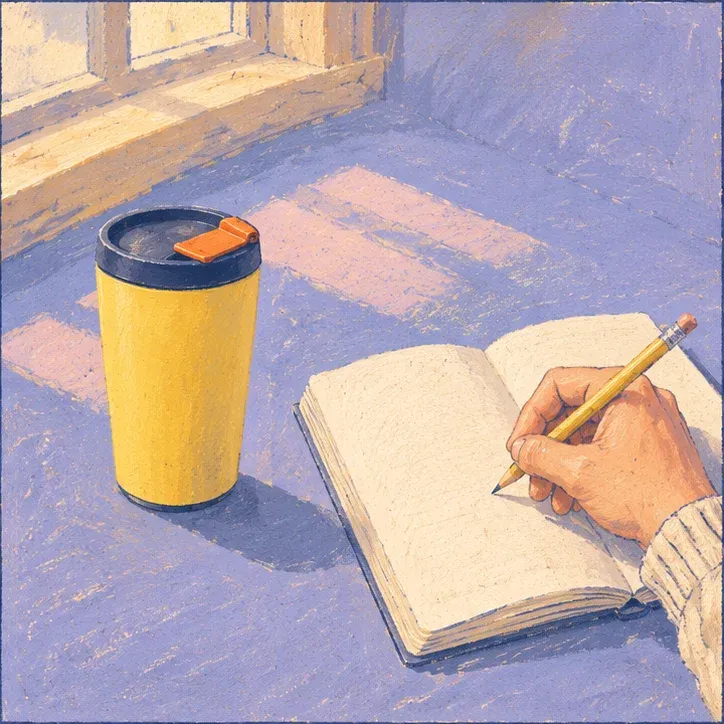
UGC stands for user-generated content. The three scripts below are original examples for creator-style product ads, not customer reviews. They assume a cup with a hinged tab that closes flush with the lid. Pick up your sample first. If it has a slider instead, film the slide and change the line.
Script 1: Answer the question the product photo leaves open
Use this version next to a listing where the photos show the cup closed. What's missing from the listing photo is where to put your thumb. Start close enough to see the gap under the tab.
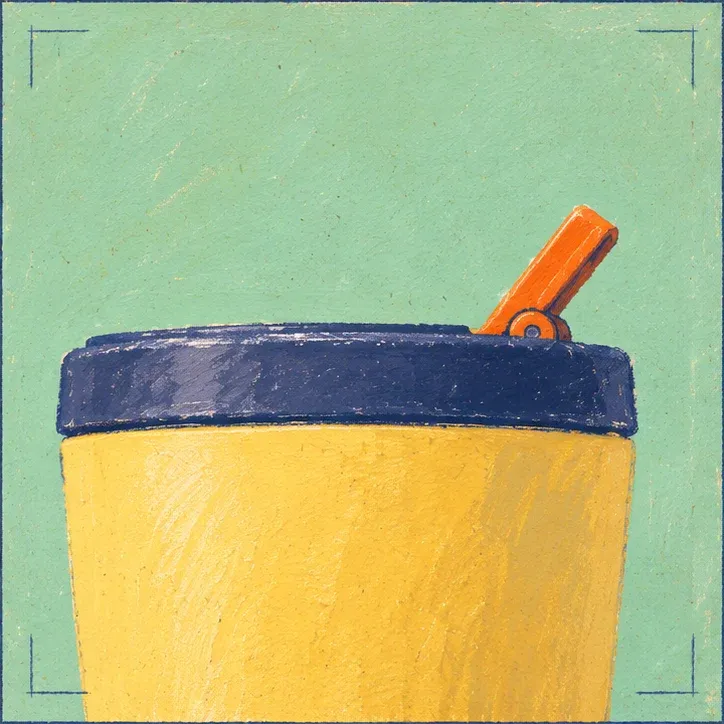
| Beat | Say | Show | Caption |
|---|---|---|---|
| Open | “Watch the lid from the side.” | Frame the open tab in profile. Keep your hand out of the shot for a moment. | Side view |
| Demo | “My thumb goes here. I press down until the tab sits flat.” | Press the tab in one shot. Keep the hinge visible past your thumb. | Press the tab |
| End | “Here's the same angle with it closed.” | Lift your hand away. Hold on the rim so the viewer can compare it with the opening frame. | Closed |
Leave the sound of the lid in if the microphone catches it. Don't add a stock click to suggest a lock the cup doesn't have.
Script 2: Open the box, then get out of the way
For a feed post, the viewer may never have seen the cup. Open on the cup coming out of the box. Cut the part where you fight the tape.
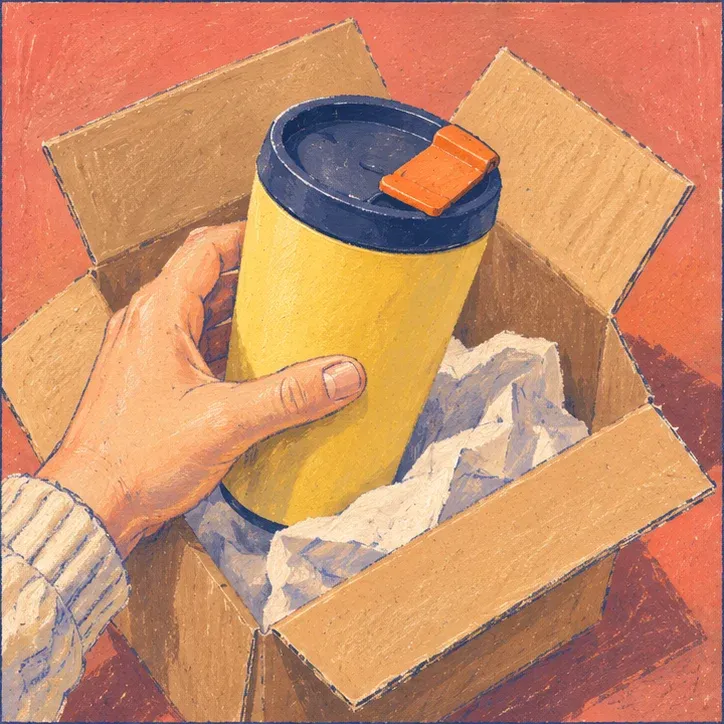
| Beat | Say | Show | Caption |
|---|---|---|---|
| Open | “Out of the box, here's the bit I'd look at first.” | Lift the cup from its actual packaging. Turn the lid toward the lens. | A closer look at the lid |
| Demo | “See the little tab? Lift it here, then press it back down.” | Cut to the side view. Show the full motion without a cut between open and closed. | Lift. Press. |
| End | “Pause here if you want to see how flat it sits.” | Hold the last frame on the rim, without text over the hinge. | Closed, from the side |
For a beauty product, the equivalent of that lid shot might be the moment a dropper clears the neck of the bottle. TakeWeave's Serum Unboxing and Application template is a specific place to look for that kind of sequence. Watch the preview against your shot list before you use it. It's a serum example, not evidence that a cup or its lid can replace the product in every frame. Keep your own close-up if the template doesn't show the detail you're talking about.
Script 3: Put the cup on a desk
Start on the desk, with a notebook beside the cup and a little space between them. You can show where the cup sits without staging a spill or talking to the camera.
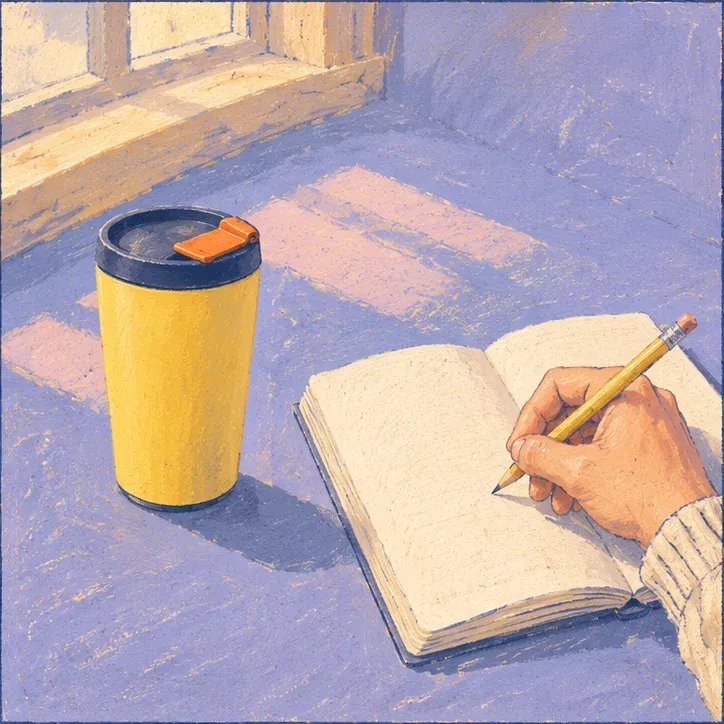
| Beat | Say | Show | Caption |
|---|---|---|---|
| Open | “From my desk chair, it's hard to tell if this lid is closed. Here, look from the side.” | Start with the view from the chair. Set the cup beside the notebook and rest a finger on the open tab. | The view from my desk |
| Demo | “From here I can see it's up. One press, and it sits level with the rim.” | Switch to the side angle before pressing. Show the height change. | Up / closed |
| End | “That's the lid detail to look for in the close-up.” | Keep the cup sharp as the hand goes back to the notebook. | See the lid up close |
How to write a UGC script for your own product
Write the middle line first: “Watch what happens when I ___.” Try the action with your phone in place. If your hand blocks the result, move the phone before you rewrite the line. Next, write an opening for the person watching. A buyer comparing two lids needs the side view; someone scrolling past a new product may need the wider shot first.
For the last line, send viewers somewhere that answers their next question. “See the lid up close” works if the link leads to a detail photo. A link to a store homepage makes the viewer start the search all over again. When you're ready to put the shots into an ad, use the video ad guide for the rest of the edit.
When should a creator write their own line?
Write the direction you could give the person holding the camera: “Film the lid from the side. Keep the hinge in frame as you press the tab shut.” Leave “This is the best travel cup I've ever used” out of the script. A side view of a hinge can't tell us what the creator thinks of the cup. Hand the creator the cup and ask, “What did you notice when you closed the lid?” Let them try it and answer in their own words. If all you need is the demonstration, the shot can end when their thumb lifts away.
FAQ
Can I film a UGC-style demo without showing my face?
Yes, if the brief calls for a demo. Film your hand lifting the tab, then play the clip on mute. Can you tell when the lid is open and when it's shut? If your thumb hides the latch, change the angle. If the brief asks for a talking-to-camera testimonial, agree on a hands-only demo with the brand before you shoot.
Do I need a whole new script to test a different hook?
No. Keep the demo and ending from the first script. Cut one version that opens on the raised tab and another that opens on the box. Keep the rest of the edit the same. That gives you two openings to compare. You'll need results from the test to know whether either sells more cups.